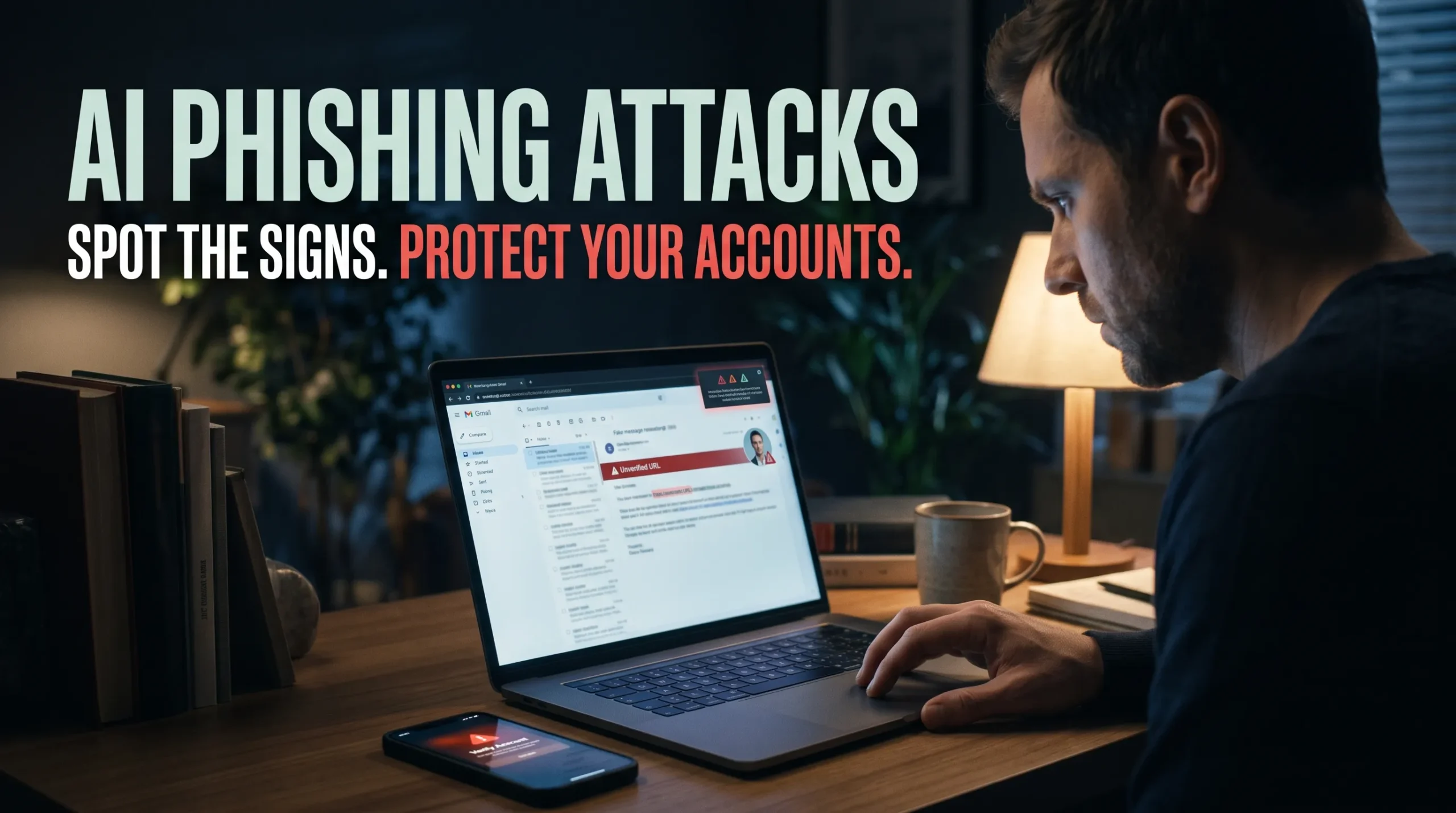
A message about a real project, written in your manager’s style, can look genuine. AI phishing attacks make this kind of tailored message easier to create, so polished writing is no longer a reliable sign of trust.
Scammers can use AI to help craft emails and texts, imitate voices, or create fake video. The goal stays the same: get you to share information, click a harmful link, or send money.
Learn how these attacks work, what real cases show, and how to check suspicious messages. A few repeatable habits can help protect your accounts at home and at work.
Also read: How AI Is Used in Cybersecurity
Why AI phishing attacks are harder to recognize

AI can make familiar scams more convincing and easier to tailor. It doesn’t mean every polished message was made with AI, or that scammers need AI to cause harm.
Generative AI can improve scam messages
Language tools can help scammers write clear emails, match a friendly or formal tone, and translate messages. That lowers the effort needed to target people in different roles or regions.
A polished message can still be a scam, but good grammar alone doesn’t prove AI was involved. Traditional phishing can also lead to stolen accounts, malware, or lost money.
Personal details can make a message feel real
Scammers may draw on public profiles, company websites, social media, or details exposed in past data breaches. A message that names your coworker, project, bank, or delivery can feel familiar.
Those details don’t prove the sender is genuine. Check the request and verify the sender through a separate, trusted channel.
Fake voices and video can support impersonation
Voice-cloning tools can imitate someone’s speech from recorded audio. Deepfake video can make a call appear to show a trusted colleague or leader.
This is impersonation through synthetic media, not email phishing by itself. But scammers can pair it with a message or call to push a target into acting quickly.
How AI phishing attacks work from first contact to fraud
A phishing attempt often follows a simple pattern: the scammer picks a target, gives them a reason to act, then uses their response to gain access or money. AI can help make each step feel more personal.
Scammers choose a target and a believable reason
Targets may include workers who handle payments or private data, customers of financial firms, and people expecting a delivery. A scammer may pose as an executive, vendor, bank, or delivery service.
Common hooks include an urgent invoice, password reset, package notice, or account problem. These familiar situations can make a request seem routine.
A tailored message asks for a risky action
The contact may arrive by email, text, messaging app, or phone call. It may ask you to open a file, click a link, share a login code, or approve a payment.
Scammers may copy an organization’s tone or use details about your work. Spoofed email addresses, lookalike web domains, and fake caller ID can add to the illusion.
The scammer uses your response
A victim who enters a password may give an attacker access to an account. A click on a harmful file or link may also expose data or infect a device.
A rushed payment can lead to a fraudulent transfer. Pressure to keep a request secret or skip normal checks is a warning sign.
What real cases reveal about AI-enabled social engineering
AI can help support old forms of fraud, such as executive impersonation and payment scams. But a case involving synthetic media doesn’t prove that AI was used at every stage.
A deepfake video call helped deceive a Hong Kong worker
CNN reported that Hong Kong police investigated a case in which a finance worker was tricked by a video call featuring deepfake versions of colleagues. The worker transferred HK$200 million, about US$25.6 million, after the call appeared to confirm a secret transaction.
The case combined social engineering with synthetic media. It shows how a fake video call can support a payment scam, not that every part of the scheme used AI.
Business email compromise remains costly
The FBI’s 2023 Internet Crime Report recorded nearly $2.95 billion in reported losses from business email compromise, or BEC. These scams often use messages or accounts that appear to come from a business, vendor, or person involved in a payment.
That figure covers BEC generally. It doesn’t measure losses caused specifically by AI-generated attacks, and it shows why payment checks still matter.
How to spot AI phishing emails, texts, calls, and video

There’s no single clue that confirms a message is fake, and convincing scams may have no spelling errors or visible video glitches. Focus on what the sender wants you to do and verify unexpected requests before acting.
Check the request, not just the writing
Pause if a message asks you to send money, reveal a password, share a one-time code, or skip an approval step. Urgency, secrecy, emotional pressure, and unusual payment methods can all signal an attempt to rush you.
The FTC’s phishing guidance notes that scammers may pose as a known company and use account problems or fake invoices to prompt action. Don’t let a familiar subject line replace a careful check.
Check the sender and the link
Look at the full email address, domain, phone number, and destination of a link. A display name, logo, or caller ID can be copied or faked.
Instead of replying or clicking, open the company’s known website or call a number from a saved contact or trusted record. Don’t use contact details supplied in the suspicious message.
Confirm familiar voices and video calls
A familiar voice or face on a call doesn’t prove who’s speaking. Confirm unusual requests through another channel, especially if they involve money, private data, or account access.
Video glitches and awkward speech aren’t dependable tests for deepfakes. Some fake media may look and sound convincing.
How to protect yourself and your organization from AI phishing

Use safeguards that make it harder for a scammer to gain access or move money. Clear rules help people respond safely when a message feels urgent.
Strengthen account security
Use a unique password for each account and store them in a password manager. Turn on multifactor authentication (MFA), and choose a passkey or security key where available.
The CISA MFA guidance recommends phishing-resistant MFA for businesses. Never share a one-time login code in response to an unsolicited message or call.
Verify payments through a second channel
Confirm bank-detail changes and urgent transfers using a separate, independently checked contact method. For work, require a second approval for high-risk payments and set clear steps for handling unusual requests.
A phone number in the payment email isn’t an independent check. Use a known number or another trusted contact method instead.
Keep devices and reporting rules ready
Avoid unexpected links and attachments, keep devices and security software updated, and report suspicious messages quickly. In an organization, staff training and a clear way to alert the security team can help stop scams early.
Email controls such as SPF, DKIM, and DMARC can help limit some forms of sender spoofing. They work best as part of a wider set of checks, not as a guarantee that every message is safe.
What to do if you clicked, replied, or sent money
Act quickly, but stay calm. Fast steps can limit further account access or financial loss.
Secure accounts and devices
From a trusted device, change any exposed passwords and end active sessions if the service allows it. Contact the organization that owns the account if you shared login details or a code.
If you suspect malware, disconnect the device from the network and follow trusted IT or security guidance. Don’t use a possibly affected device to change important passwords.
Contact your bank and report the scam
If money or payment details were involved, contact your bank or payment provider right away. Ask whether it can stop, recall, or reverse the transaction.
In the United States, report cybercrime to the FBI’s Internet Crime Complaint Center and scams to the FTC’s fraud-reporting site. Reporting helps agencies track complaints and may support investigations.
Save evidence and alert others
Keep messages, email headers, phone numbers, payment records, and timestamps. Avoid deleting evidence before you report the incident.
Tell your workplace IT or security team if a work account or device may be affected. Warn contacts if someone could use your account to target them.
Conclusion: Verify the request before you trust the message
AI can make phishing more personal and convincing, but the core defense is still to pause and verify high-risk requests independently. Check the sender and link, don’t share passwords or codes, and confirm payments through a separate channel.
Report suspicious contact quickly, and act fast if you’ve shared information or sent money. A polished message, familiar voice, or realistic video doesn’t prove identity.
FAQS
An AI phishing attack is a scam that uses artificial intelligence to create more convincing fake emails, texts, websites, voices, or videos. Instead of sending obvious spelling-error messages, attackers can generate personalized messages that appear to come from a bank, employer, colleague, or family member.
Attackers use AI to study publicly available information, write realistic messages, clone a voice, create fake websites, or impersonate someone in a video call. They then use urgency, fear, or authority to pressure the target into clicking a malicious link, sharing credentials, or sending money.
Look for unexpected urgency, pressure to act immediately, requests for passwords or verification codes, unusual payment instructions, mismatched sender domains, and links that do not match the organization’s official website. Even a polished message can be fake if it asks you to bypass normal verification steps.
Do not trust caller ID or a familiar-sounding voice alone. Hang up and call the person back using a number you already have saved, then ask a private question only the real person would know. Scammers often create urgency, ask for secrecy, or request payment through gift cards, crypto, wire transfers, or payment apps.
Do not reply, click links, download attachments, or scan QR codes. Report the message using your email or messaging app’s report option, block the sender, and contact the claimed organization through its official website or a known phone number.
Yes. AI can generate or manipulate video and voice to impersonate someone during a live call. If an unexpected video call asks for money, credentials, approvals, or sensitive data, end the call and verify the person through a separate trusted channel.
Hover over the link on a computer to inspect the actual destination, or long-press it on mobile before opening it. Look for misspelled domains, unusual characters, shortened links, or a domain that differs slightly from the official site. When in doubt, type the organization’s website address manually instead of using the link.
It is a scam where criminals use AI to imitate the voice of a relative, often claiming to be in an accident, jail, or another urgent crisis. They ask for immediate money through methods that are difficult to reverse, such as wire transfers, cryptocurrency, gift cards, or payment apps.
Create a private family verification phrase and agree never to send money based only on a call, text, or voice message. If an emergency request arrives, contact the person directly using their known number and confirm the situation with another family member.
Sometimes. AI can produce cleaner grammar, personalize messages, and imitate normal writing patterns, which may help scams avoid basic filters. That is why users should still verify unexpected requests independently, even when a message looks professional.


