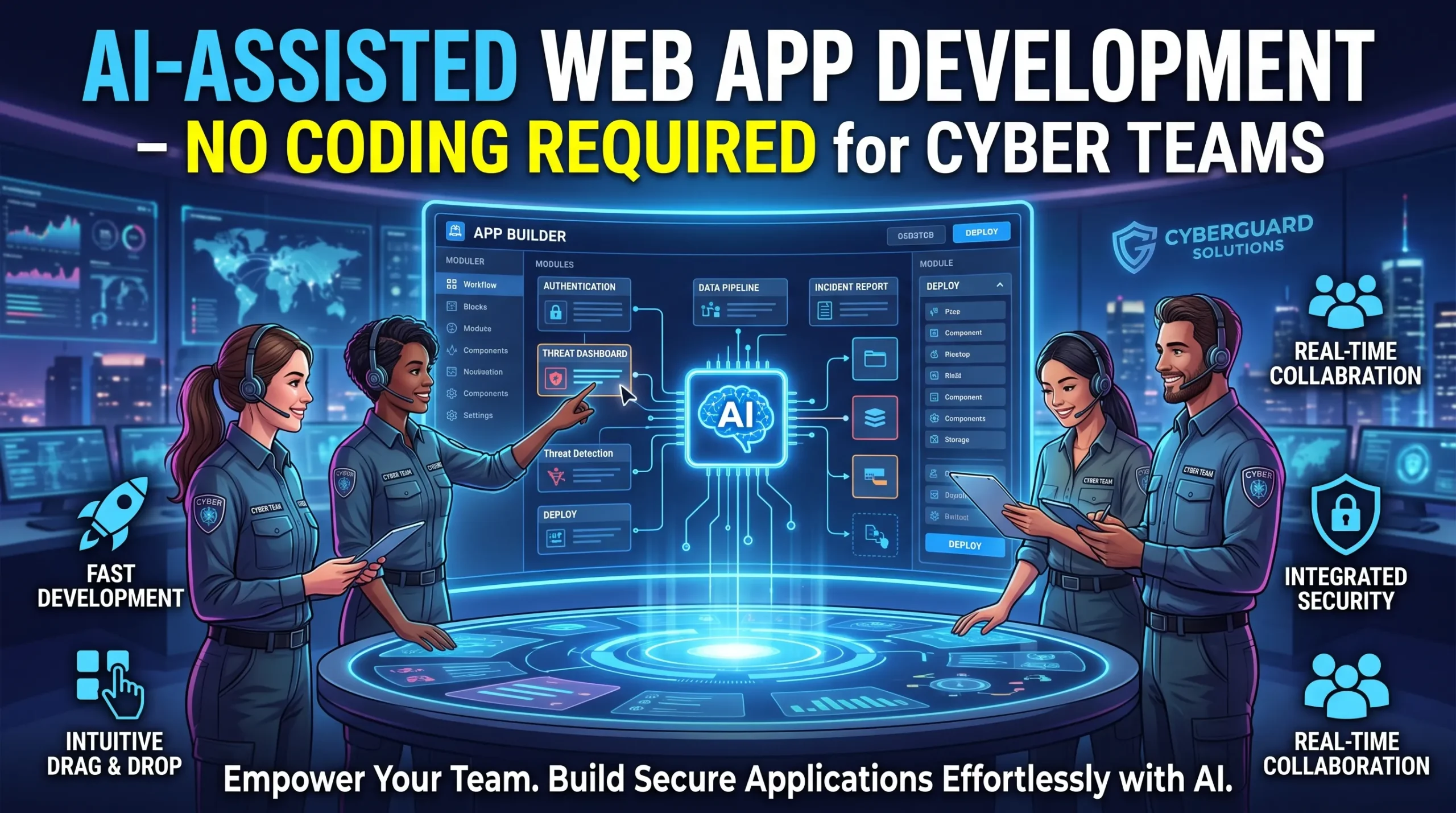
A vulnerability tracker, incident form, or security dashboard can now start with a plain-language request instead of a blank code editor. AI-assisted web app development with no coding required for cyber teams helps analysts, educators, small businesses, and security managers turn daily workflows into working internal tools.
The speed is useful, but security work has little room for guesswork. Sensitive records need strong access rules, careful data handling, secure authentication, testing, and human approval. This guide explains how to choose a focused use case, brief an AI builder, protect data, test the result, and deploy it with proper oversight.
Turn a Cybersecurity Idea into a Working Web App
Start With a Narrow Security Use Case
AI no-code platforms can turn plain-language requirements into pages, forms, databases, workflows, and basic application logic. No-code tools use visual settings, low-code tools may require small code changes, and AI-assisted tools create parts of the app from natural-language prompts. These approaches reduce coding work, but they don’t remove technical decisions.
Begin with one measurable task instead of trying to build a complete security operations platform. Useful starting points include vulnerability intake, incident reporting, asset records, phishing simulation tracking, security awareness dashboards, compliance evidence collection, or a secure internal knowledge base.
Define the user, input, output, and success measure before opening an AI builder. A strong brief might say: “Create an internal dashboard that lets authorized analysts review vulnerability records by severity, asset, owner, and remediation status.” A narrow goal gives the AI less room to invent unsafe features.
Write the App Requirements Before the Prompt
Break the brief into user roles, pages, data fields, business rules, integrations, security controls, and reports. For example, analysts may edit findings, managers may approve severity changes, and report submitters may view only their own records.
Ask the AI to create the basic structure first. Then refine one page or workflow at a time. Your prompt should state the app’s purpose, users, data model, permissions, approval steps, design limits, and failure behavior.
Add clear boundaries: do not expose secrets, place credentials in prompts, send sensitive data to unapproved services, or connect to production systems without approval. A defined out-of-scope list also helps limit early prototypes to synthetic records, read-only data, and low-risk internal information.
Choose an AI-Assisted Platform for Cybersecurity Work

Review Privacy, Hosting, and AI Data Policies
A polished interface says little about a platform’s security. Compare where data is stored, how it is encrypted, whether customer content trains AI models, how long records remain, and how tenants are separated. Check audit logs, backups, deletion controls, regional hosting, and administrator access procedures.
Read the provider’s current security, privacy, data-processing, and acceptable-use documents before entering security findings. Features may differ by plan, so confirm that your selected tier includes SSO, MFA, audit history, export tools, and the controls your organization needs.
Create a vendor comparison table with columns for data residency, encryption, SSO, audit logs, backups, exports, incident response, and AI data use. Treat marketing claims as a starting point, not proof of compliance.
Check Identity, Integrations, and Exit Options
Cyber apps should support individual accounts, MFA, role-based access, useful session controls, and single sign-on where possible. Directory sync through SCIM can reduce stale accounts. OAuth, short-lived tokens, managed secrets, and least-privilege API access are safer than shared accounts or hard-coded credentials.
Review every integration before connecting it. Separate development and production credentials, limit scopes, and record which system can read or change each data set.
Ask whether you can export application data, schemas, workflow definitions, logs, and source code where available. Test backup and restore with a small prototype. Weak export options can make migration, incident response, independent review, and retirement harder.
Design the App Around Secure Data
Keep the Data Model Small
Collect only what the stated task needs. Separate low-risk metadata from internal operations, confidential findings, personal information, and regulated records. Passwords, API keys, private certificates, and other secrets should stay in a secrets manager or secure credential store, not ordinary app tables.
Set retention, deletion, archive, and backup rules before launch. Ask, “Why do we need this field?” for every column. Less stored data means fewer records to protect and fewer details to expose through a mistake.
Use the OWASP Application Security Verification Standard as a testing baseline. OWASP describes ASVS as a basis for checking web application security controls, including defenses against cross-site scripting and SQL injection. The current stable release listed by OWASP is version 5.0.0.
Enforce Roles and Protect Sensitive Outputs
A report submitter, analyst, manager, external reviewer, and administrator should receive different access. Enforce permissions in server-side rules or platform workflows, not only by hiding buttons. Test direct links, record IDs, exports, and backend actions for every role.
Add approval steps before changing severity, closing an incident, exporting records, changing integrations, or sending broad notifications. Logs must avoid passwords, tokens, full personal data, exploit payloads, and sensitive findings. Redact error messages, email alerts, exports, and AI responses when they could reveal protected details.
Use AI to Build Safer Security Workflows

Generate Dashboards and Repetitive Tasks
AI can draft dashboards for vulnerability age, risk trends, remediation status, asset ownership, incident volume, training completion, or control evidence. Each metric needs a written definition, such as what counts as overdue or how severity is assigned. A chart should support a decision, such as assigning an owner or escalating a late fix.
AI can also draft intake forms, duplicate checks, ticket creation, severity-based routing, reminders, approval requests, and scheduled reports. Treat every generated workflow as a draft. Keep a change log with the prompt, generated change, reviewer, test result, and approval.
Automated actions need rate limits, retry limits, duplicate prevention, clear audit trails, and a way to cancel or roll back changes. AI classification can help sort routine records, but experts should review high-risk incidents and vulnerability priorities.
Add AI Without Exposing Security Data
Safer features include summarizing non-sensitive records, drafting status updates, turning structured data into reports, searching approved internal documents, and suggesting form categories. Confidential incident details, credentials, exploit code, and customer data should not go to an external model without written approval.
Classify data before it reaches an AI feature. Add prompt filters, output review, retention rules, and clear labels when generated text could be mistaken for verified analysis. NIST’s AI Risk Management Framework supports trust and risk review, while its Generative AI Profile addresses risks tied to generative AI use.
Test and Harden the No-Code Cyber App
Test Access, Inputs, and Sessions
Functional testing alone cannot prove a security app is safe. Use a sandbox with synthetic or sanitized data and test unauthenticated access, direct record lookup, session expiry, logout, MFA, SSO, unauthorized exports, and administrative actions. Confirm that one user cannot view another user’s records by changing an identifier in a URL or request.
Test forms for injection, cross-site scripting, request forgery where relevant, malicious redirects, weak file uploads, rate-limit bypasses, and excessive error details. Validate attachment type, size, content, and storage location. Keep harmless test results with the security review.
Review AI and Integration Failure Modes
Check whether the AI follows access rules, reveals hidden records, invents findings, gives unsafe advice, exposes system prompts, or fails safely when information is missing. Test integrations for excessive permissions, exposed tokens, forged webhooks, replayed requests, duplicate actions, and outage behavior.
Create a manual fallback for platform outages, failed integrations, and incorrect AI output. Use the OWASP ASVS requirements to turn broad concerns into testable checks. NIST Cybersecurity Framework guidance can also help place ownership, protection, detection, response, and recovery tasks into a wider risk program.
Deploy Responsibly and Improve the App
Set Ownership and Monitoring
Before launch, name a business owner and technical owner. Record approved users, data classification, retention, backup needs, change approvals, vendor contacts, and the incident reporting route. A platform’s marketing claim does not prove that your specific setup meets a law, contract, or company policy.
Monitor logins, permission changes, record access, exports, administrative actions, integration failures, AI requests where appropriate, and repeated failed actions. Review logs for sensitive data. Schedule access reviews and remove inactive users, unused integrations, and obsolete workflows.
Plan Changes and Retirement
Review platform updates, AI model changes, security issues, permissions, retention, workflow accuracy, and vendor privacy terms on a set schedule. Keep versioned requirements and rollback plans for major changes.
Plan the app’s end before production use. Define when to export data, revoke integrations, close accounts, preserve required records, and securely delete stored information. Retirement planning prevents abandoned tools from becoming hidden access paths.
Conclusion: Move Faster Without Treating Security as Optional
AI-assisted web app development can help non-programmers build useful cyber tools, but no coding required never means no security work required. Start with a narrow goal, write clear permissions and limits, choose a platform based on privacy controls, minimize stored data, and keep secrets out of prompts and app tables.
Use AI to draft interfaces and workflows, then test every permission, input, integration, and generated response. Begin with a low-risk internal prototype and synthetic data. Expand only after the app has a named owner, reliable controls, clear monitoring, and a tested response plan.
FAQS
It means using AI and no-code tools to build, update, or manage websites without writing code. For cyber teams, this can speed up internal pages, security portals, and project sites while keeping the workflow simple and collaborative.
Yes, many no-code and AI builders can create functional sites without traditional development. Security still depends on how the site is configured, what permissions are set, and how carefully the team manages content, access, and integrations.
They work well for landing pages, internal dashboards, training hubs, incident-response pages, and documentation sites. These projects usually need speed and clarity more than heavy custom engineering.
Not much for basic site creation, since most platforms are designed for non-coders. However, teams still benefit from understanding structure, access control, branding, and basic security practices so the final site is safe and useful.
The main benefit is faster launch time with less manual work. Teams can turn ideas into working websites quickly, then iterate as needs change instead of waiting on long development cycles.


One Comment on “AI-Assisted Web Development – No Coding Required for Cyber Teams”
Comments are closed.