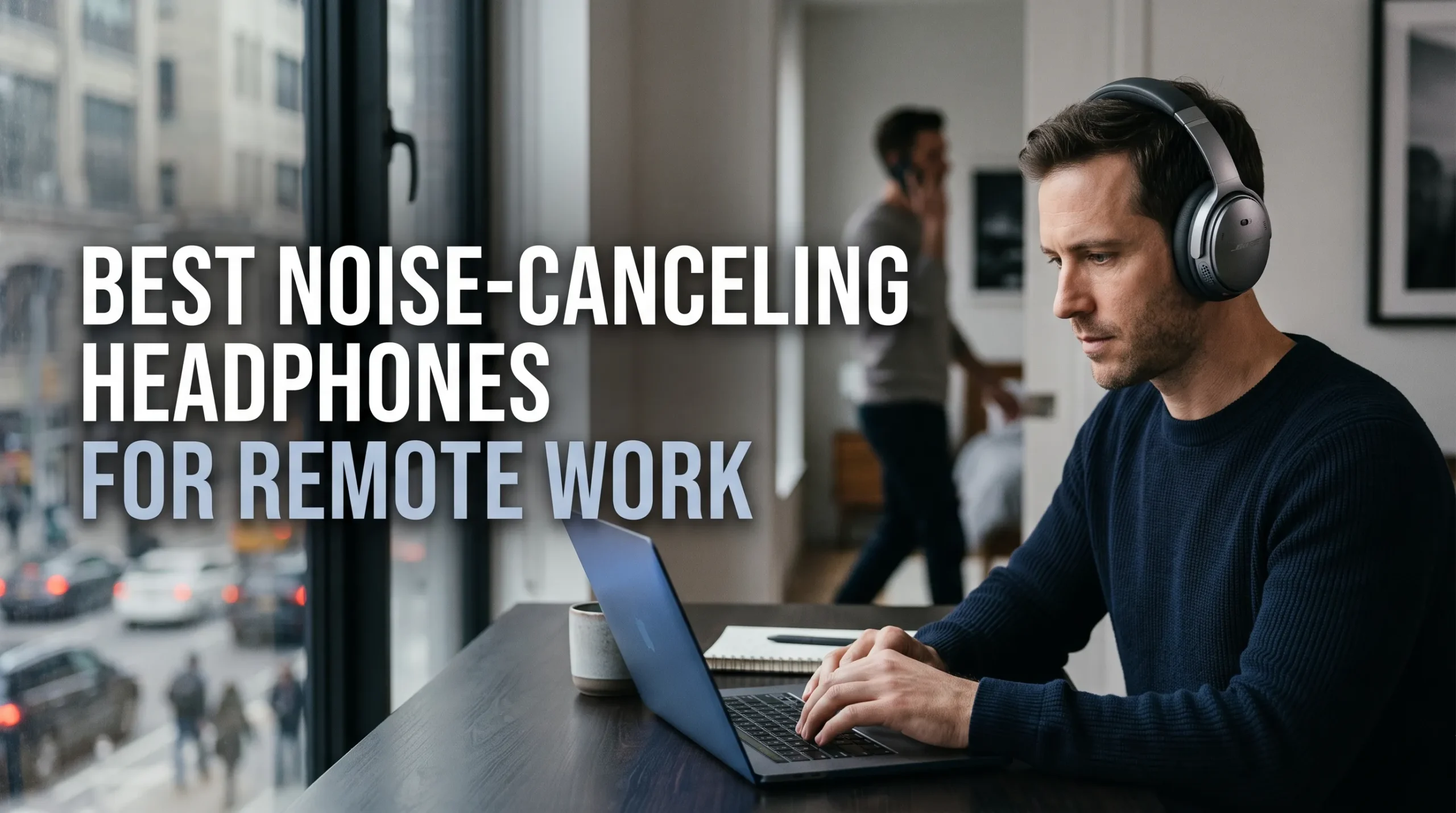
A neighbor’s renovation, a barking dog, or a kitchen conversation can turn a video call into a test of patience. The best noise-canceling headphones for remote work help you focus, but they also need to keep your voice clear and feel good after hours of meetings.
Compare noise cancellation, microphone quality, comfort, battery life, device support, and price. Noise cancellation reduces what you hear; microphone noise reduction limits what callers hear. Those are separate features, and a strong score in one doesn’t guarantee strong performance in the other.
The picks below reflect current models and independent testing available in October 2026. Fit, room noise, and software settings can change results, so check current prices, availability, and return terms before buying.
The best noise-canceling headphones for remote work

Premium pick: Sony WH-1000XM6
The Sony WH-1000XM6 is a strong fit if your main goal is to cut distractions while working. Wirecutter’s headphone tests found its noise cancellation and passive isolation effective, while its microphones handled office chatter well in calls. Sony lists up to 30 hours of music playback with noise canceling on, multipoint Bluetooth, and a wired audio option.
The older WH-1000XM5 may be worth a look if it’s discounted. CNET’s 2026 work-from-home headphone review describes it as a capable option, though the XM6 improves on it in noise cancellation, call quality, and design.
Business pick: Jabra Evolve3 85 or Poly Voyager Surround 80 UC
For frequent meetings, the Jabra Evolve3 85 puts call controls and voice pickup at the center of its design. It has an included USB adapter, multipoint connections, a physical mute button, and a 360-degree busy light. CNET’s testing praised its voice clarity and background-noise reduction, while noting its noise cancellation isn’t as strong as the best premium consumer headphones.
The Poly Voyager Surround Series offers another office-focused choice. Its six built-in microphones, dedicated mute button, adaptive ANC, and support for major meeting platforms suit a call-heavy schedule. The older Jabra Evolve2 85 is also worth considering if you find it at a lower price; it has a retractable boom arm, a USB adapter, and a published music-playback estimate of up to 37 hours with ANC off.
Value and Apple picks: Soundcore Space One and AirPods Max 2
The Soundcore Space One brings adjustable ANC, multipoint Bluetooth, and up to 40 hours of listed playback with ANC on. Soundcore’s US product page listed it at $99.99 when checked. Wirecutter found its noise cancellation impressive for the price, but reported that voices can sound distant or compressed to callers.
For an Apple-heavy setup, consider AirPods Max 2. Apple lists Voice Isolation, a mute control, USB-C audio, and up to 20 hours of listening with ANC on. They work as Bluetooth headphones with other devices, but some features are limited outside Apple products, and their 13.6-ounce weight may not suit everyone.
Features that make noise-canceling headphones better for remote work

ANC reduces distractions you hear
Active noise cancellation uses microphones and signal processing to reduce some outside sound. It tends to work best on steady, low sounds, such as an air conditioner or fan, and less well on changing sounds like nearby speech. A snug fit and well-sealed earcups also matter, so ANC won’t make every room silent.
Microphones shape what callers hear
Headphone ANC doesn’t automatically improve your outgoing call audio. A boom mic sits close to your mouth, while other models use several microphones and software to isolate speech. For shared rooms or loud keyboards, check independent call samples; a microphone that sounds fine in a quiet room may struggle with background noise.
Multipoint and mute controls simplify calls
Multipoint lets headphones stay connected to two devices, such as a laptop and phone, so you can move between them without pairing again. A physical mute button or lift-to-mute boom can make meetings easier to manage. Check how mute works with your video-call app, since the headset’s mute status may not always match the app’s on-screen icon.
Comfort and battery life that hold up through a workday

Fit, pressure, and heat affect long sessions
Over-ear headphones can feel more comfortable than on-ear designs, but they may trap heat. Headband pressure, clamping force, glasses, and earcup padding all affect comfort, and weight alone won’t tell you how a pair will feel. Try headphones for a longer stretch if you can, and check the retailer’s return window.
Battery estimates need context
Manufacturers’ battery figures are useful for comparing models, but your results will depend on ANC, call time, volume, and other settings. For example, Sony lists up to 30 hours with ANC on for the WH-1000XM6, while Apple lists up to 20 hours for AirPods Max 2. Quick charging can help between calls, and a wired backup may keep audio working when the battery runs low; check whether the microphone works in wired mode, too.
Choose headphones that fit your workspace
Quiet office or shared room
In a quiet home office with occasional interruptions, comfort, reliable call audio, and easy device switching may matter more than top-tier ANC. You may not need a premium model if you rarely take calls and can already work without much background noise. Focus on a good fit and controls you can use without breaking your train of thought.
In a shared room or noisy setting, put more weight on a secure seal and microphone noise reduction. Test shortlisted headphones where you plan to use them, if possible. A model that blocks sound for you may still send room noise to the person on your call.
Frequent meetings across devices
If you switch between a computer and phone all day, check multipoint support and how reliably the headset moves between audio sources. A USB adapter can offer a direct connection to a work computer, while a boom or dedicated mute button can make calls easier to manage. Confirm support for your operating system and meeting app before you buy.
Also Read: Laptop Buying Guide for Freelancers: CPU, RAM, SSD and Display Explained
Compare the details before choosing
Check price, warranty, and returns
Compare prices at reputable retailers, then review the warranty, repair options, and return period. Try the headphones with a work call as soon as they arrive, while you still have time to return them. A short trial can reveal fit issues and mic problems that a spec sheet won’t.
Compare tests with the same priorities
Treat manufacturer battery figures as estimates, not guarantees. Independent reviews can show how models perform in repeatable ANC and microphone tests, but results depend on the test setup. Rank what matters most to you—call clarity, noise reduction, comfort, battery, compatibility, or cost—and compare models against that list.
Also Read: Best AI-Powered Smart Home Devices in 2027
Choose headphones that make remote work quieter and clearer
The best noise-canceling headphones for remote work balance what you hear with how clearly callers hear you. The Sony WH-1000XM6 suits focus and everyday use, while Jabra and Poly models put more emphasis on meetings. Soundcore offers an affordable starting point, and AirPods Max 2 fit Apple-centered setups.
Pick two or three options based on your room, call habits, and budget. Check current model details and return terms, then test your shortlist with a real work call and the devices you use every day.
FAQS
For most people working from home, the Jabra Evolve3 85 is a strong all-round headset because it is designed for voice and video calls while still working well as everyday headphones. If your main priority is blocking household noise, the Sony WH-1000XM6 offers leading active noise cancellation, while the Bose QuietComfort Ultra Headphones are an excellent comfort-focused alternative.
Choose based on your priority: call clarity, all-day comfort, strongest ANC, or compatibility with your computer and meeting apps.
The best WFH earphones should have clear microphones, reliable Bluetooth, good passive isolation, and comfortable long-wear fit. Apple AirPods Pro, Sony WF-series earbuds, and Bose QuietComfort Earbuds are commonly strong options for calls, though the best model depends on your phone ecosystem and whether you need multipoint connection for a laptop and phone.
For long meetings, over-ear headsets are usually more comfortable than earbuds because they avoid pressure inside the ear canal.
A wireless over-ear headset with a boom or high-quality beamforming microphone is usually best for regular video meetings. It provides better comfort, clearer voice pickup, and stronger background-noise separation than most small earbuds.
If you take only occasional calls, premium consumer headphones can be enough. If you are on calls all day, choose a business headset designed for microphone clarity and all-day wear.
A strong current top three is:
Sony WH-1000XM6 – Best overall for powerful, adaptive noise cancellation and long battery life.
Bose QuietComfort Ultra Headphones – Excellent comfort, immersive audio options, and highly effective noise reduction.
Bose Headphones 700 – A strong choice for clear voice calls on Zoom, Teams, and similar meeting platforms.
The Sony model has a slight edge in raw ANC performance in many comparisons, while Bose is often preferred for comfort and call clarity.
ANC itself is not harmful to your ears when used normally. It reduces background noise electronically, which can allow you to listen at a lower volume in noisy places—potentially better for hearing health than turning the volume up.
However, avoid listening at high volumes for long periods, take listening breaks, and keep earbuds clean. If you experience pain, pressure, dizziness, or ringing, stop using the device and consult an audiologist.
Sony generally has a small advantage in ANC strength, battery life, and feature depth, while Bose is often favored for comfort and a more relaxed fit. The difference in noise cancellation is small enough that personal comfort should be a major deciding factor.


