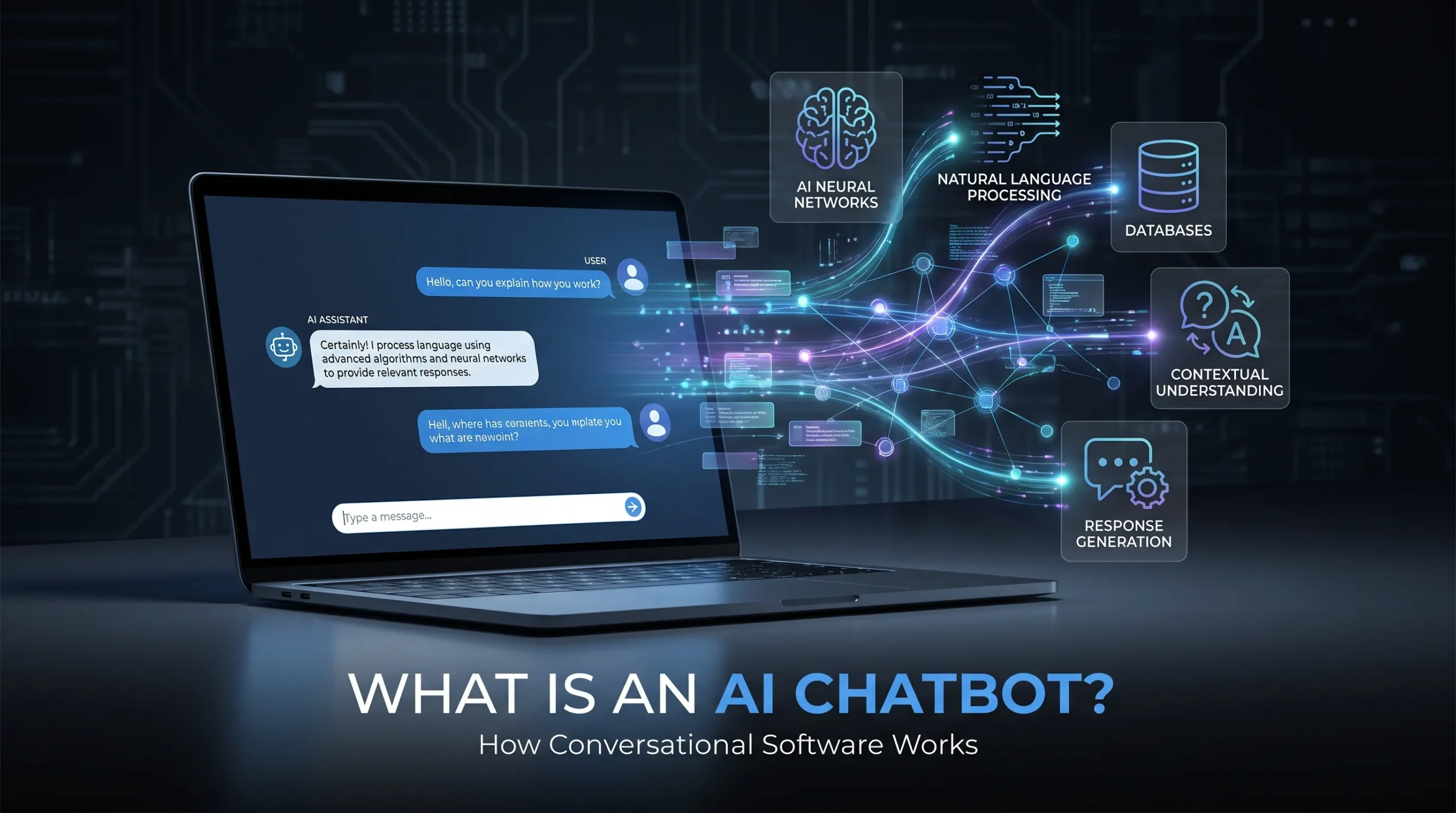
Ask a question in a chat window, and a reply may appear before you finish blinking. This familiar experience now powers customer support, search tools, education platforms, healthcare services, productivity apps, and personal devices. An AI chatbot is software that uses artificial intelligence to understand user messages and generate or select relevant responses. Not every chatbot uses generative AI. Some follow fixed rules, while others use machine learning, language models, data retrieval, or a mix of these tools.
To understand what an AI chatbot can do, you need to know how it works, how it differs from a search engine or virtual assistant, and where its limits appear. Accuracy, privacy, security, and human oversight matter as much as speed.
AI chatbots turn natural-language messages into useful responses

An AI chatbot combines a conversation interface with artificial intelligence. It can communicate through text or voice while processing everyday language, keeping track of context, and choosing or creating a reply.
An AI chatbot is a computer program that uses artificial intelligence to understand user input and produce relevant conversational responses.
A search box usually returns links or records that match keywords. A scripted live-chat tool may show preset messages. A human support agent can use judgment and empathy. An AI chatbot sits between these systems, depending on its design and the data connected to it.
Rule-based bots and AI-powered bots solve problems differently
Rule-based chatbots follow programmed steps. They may ask you to choose “Billing,” “Shipping,” or “Technical Support,” then move through a decision tree. These bots work well for predictable tasks but may fail when you use unfamiliar wording.
AI-powered chatbots can interpret more variations in language. “Where’s my package?” and “When will my delivery arrive?” may lead to the same result even though they use different words. Many business systems combine both methods: rules manage secure workflows, while AI handles open-ended questions.
Before calling a tool “AI-powered,” check whether it can answer follow-up questions, explain its response, handle different wording, and transfer you to a person.
Generative AI has expanded chatbot capabilities
Generative AI chatbots create new responses instead of choosing only from a fixed answer bank. They can draft text, explain ideas, summarize documents, translate content, and continue a conversation across several turns.
ChatGPT is a widely recognized example of a generative AI chatbot. Specialized support bots and voice assistants may use different models and focus on narrower tasks.
Fluent writing doesn’t prove that an answer is correct. A chatbot can produce a confident but false statement, often called a hallucination. Treat polished language as a communication feature, not evidence of expert knowledge.
How an AI chatbot understands questions and generates answers

A chatbot interaction usually follows several steps. Suppose you ask a retailer, “Where is my order?” The system identifies your goal, checks details such as your order number, consults an order database, and sends back a delivery update.
Natural language processing identifies user intent
Natural language processing helps software interpret spelling errors, synonyms, slang, and conversational phrasing. It also helps identify entities, such as a product name, date, location, order number, or account detail.
For example, “Can you tell me when my package arrives?” and “Where’s my delivery?” may express the same intent: checking shipment status. Context helps the bot understand whether “it” refers to an order, a product, or a previous question.
Machine learning and language models support flexible dialogue
Machine learning models identify patterns in language. Large language models generate text by predicting likely sequences of words based on training and the context available in the conversation.
This process doesn’t involve human-like thought, feelings, or consciousness. The model produces an answer from learned patterns and supplied information. That answer may still be incomplete, biased, outdated, or wrong.
The original ChatGPT launch report openly described problems with plausible-sounding incorrect answers, sensitivity to wording, and guesses about unclear questions. Those limits remain useful when judging any conversational AI system.
Retrieval and integrations connect bots to current information
A chatbot can consult approved documents, websites, databases, or knowledge bases before answering. This approach is often called retrieval-augmented generation, or RAG. It can give the model current business information without relying only on older training data.
Integrations may connect a bot to an order system, customer relationship manager, calendar, ticket platform, or company wiki. Ask where an answer came from when accuracy matters: a cited source, a connected business system, or the model’s general knowledge.
AI chatbots differ from search engines and virtual assistants

The word “chatbot” covers several types of software. The key difference is how each system receives information, responds, and completes tasks.
AI chatbots and search engines produce different outputs
Search engines generally return ranked links, documents, images, or other results. A chatbot usually provides a conversational answer or summary. Modern search engines may also show AI-generated summaries, so the distinction depends on the interaction and output, not the brand name.
Verify important answers against primary sources. This matters for medical, legal, financial, academic, and current-event questions, where an unsupported response can cause harm.
AI chatbots and virtual assistants use different interaction models
Text chatbots often focus on dialogue and information exchange. Voice-first assistants such as Apple Siri, Amazon Alexa, and Google Assistant often focus on commands, including setting timers, playing music, sending messages, or controlling devices.
The technologies now overlap. A voice assistant may answer open-ended questions, while a chatbot may take actions inside a connected app. The name tells you less than the system’s actual features.
Human support remains necessary for difficult cases
Human agents bring judgment, empathy, negotiation, and responsibility to sensitive decisions. They can handle exceptions that a chatbot may not recognize.
Customer-service systems often use bots for initial triage, order updates, and common questions before sending complex cases to staff. Complaints, financial disputes, safety concerns, vulnerable users, and ambiguous requests should trigger a clear human handoff.
Where organizations and individuals use AI chatbots
Chatbots create the most value when they handle frequent, low-risk work while people retain control over difficult decisions.
Customer service chatbots answer routine questions
Common uses include checking order status, answering FAQs, processing basic returns, booking appointments, troubleshooting products, and routing support tickets. Benefits can include 24-hour access, shorter wait times, consistent replies, and less repetitive work for support teams.
Businesses should begin with high-volume questions and track resolution rate, escalation rate, customer satisfaction, and incorrect-answer rate. Vendor claims don’t replace results from real users.
Workplace chatbots make internal knowledge easier to find
Employees may ask a chatbot about policies, onboarding steps, product documents, project records, or technical guides. A connected knowledge base can reduce time spent searching across folders and systems.
Permission controls are essential. Employees should receive only information they’re authorized to access. Organizations also need a clear source of truth and owners who review connected content on a regular schedule.
Consumers, students, and creators use chatbots for assistance
People use general-purpose tools such as ChatGPT for brainstorming, drafting, tutoring, coding help, translation, trip planning, summarization, and task organization. Microsoft Copilot also provides AI assistance inside products such as Word, Excel, PowerPoint, Outlook, and Teams, according to Microsoft’s Copilot overview.
These tools assist with work; they don’t remove the need to review the result. A student should check facts and follow school rules. A creator should confirm names, dates, quotes, and permissions before publishing.
AI chatbots bring speed but also serious risks
Chatbots can answer many users at once, work outside business hours, and tailor replies to account details or prior messages. IBM’s Global AI Adoption Index 2023 found that 42% of surveyed IT professionals at large organizations reported active AI deployment, while another 40% reported exploring AI. This is broader AI adoption data, not chatbot-specific data.
Hallucinations and old information can damage trust
A hallucination is an incorrect or unsupported answer presented as if it were reliable. Ambiguous prompts, missing data, weak retrieval, and uncertainty can all contribute to the problem.
A model may also lack real-time information unless it connects to current sources. Ask for citations, check publication dates, provide clear context, and verify high-stakes answers independently.
Privacy, bias, and security need safeguards
Chatbot risks include exposed personal data, confidential documents, conversation retention, biased responses, prompt injection, and unauthorized access to connected systems. Before deployment, review the provider’s privacy terms, data-processing rules, retention settings, security controls, and compliance records.
Avoid entering passwords, payment details, private health information, or confidential customer data unless the service is approved for that use. The NIST AI Risk Management Framework gives organizations a voluntary structure for managing AI risks and trustworthiness.
How to choose and use an AI chatbot
Start with the task. You may need customer support, knowledge retrieval, workflow automation, tutoring, voice interaction, or general conversation. A specialized chatbot connected to reliable company data may work better than a general tool for a narrow business need.
Test answer quality, source citations, current-data access, language support, accessibility, integrations, permissions, analytics, pricing, uptime, retention, and human escalation. Try ordinary questions, unclear requests, outdated facts, adversarial prompts, and unusual edge cases before launch. Measure task completion, accuracy, satisfaction, escalation quality, and cost per interaction.
Clear prompts improve results. State the goal, provide context, request a format, set limits, and ask the bot to flag uncertainty. For example:
Summarize this policy in five bullet points for new employees. Use only the supplied text, identify any ambiguity, and don’t invent missing details.
Review the response, add missing context, request evidence, and compare the final version with a trusted source.
Conclusion
An AI chatbot is a conversational interface to artificial intelligence. It may use rules, natural language processing, machine learning, a large language model, retrieval tools, and software integrations to select or generate a response.
Chatbots can help with customer service, research, writing, education, and routine work. They can also produce inaccurate, biased, outdated, or privacy-sensitive answers.
Use an AI chatbot for speed, drafting, discovery, and everyday assistance. Apply human judgment when money, health, safety, privacy, law, or accountability is involved. A chatbot can sound human without being a person or an infallible expert.
FAQS
Answer: A conversational AI chatbot receives text or speech, analyzes the user’s intent and important details, checks its instructions or knowledge sources, and responds in natural language. In a more capable system, it also retains recent context—so it can understand follow-up questions—and can use connected tools, such as a booking system or order database, to take action.
Answer: An AI chatbot is software that simulates a conversation through text or voice. Unlike a basic scripted bot that only follows preset rules, an AI chatbot can use natural-language processing to recognize differently phrased questions and machine learning or generative AI to produce a more flexible answer. Its usefulness still depends on the quality of its training, instructions, knowledge base, and human oversight.
Answer: ChatGPT is a well-known example of conversational AI because people can ask questions, provide follow-up details, and receive written responses in a natural dialogue. Customer-service assistants, banking helpers such as Bank of America’s Erica, voice assistants, and travel-booking bots are other examples when they understand conversational input and maintain context across more than one exchange.
Answer: AI helps the chatbot identify the purpose behind a message, pull out key information—such as a product name, date, or account issue—and decide how to respond. A generative AI chatbot may write a new reply based on the conversation and approved information, while a traditional AI chatbot may choose the best answer from a defined set. This is why users can ask the same question in different words and still receive a relevant answer.
Answer: There is no single universal list of only four types, because chatbots can also be categorized by how they are delivered or what they do. A practical four-part classification is:
Menu-based chatbots: Guide users through buttons and predefined choices.
Rule-based chatbots: Use “if this, then that” logic to provide scripted answers.
AI or NLP chatbots: Interpret natural language and recognize what the user is trying to accomplish.
Hybrid chatbots: Combine reliable rules for structured requests with AI flexibility for open-ended questions.
Voice bots and generative-AI chatbots are often treated as additional categories rather than part of this four-type model.


2 Comments on “What Is an AI Chatbot? Understand How Conversational Software Works”
Comments are closed.