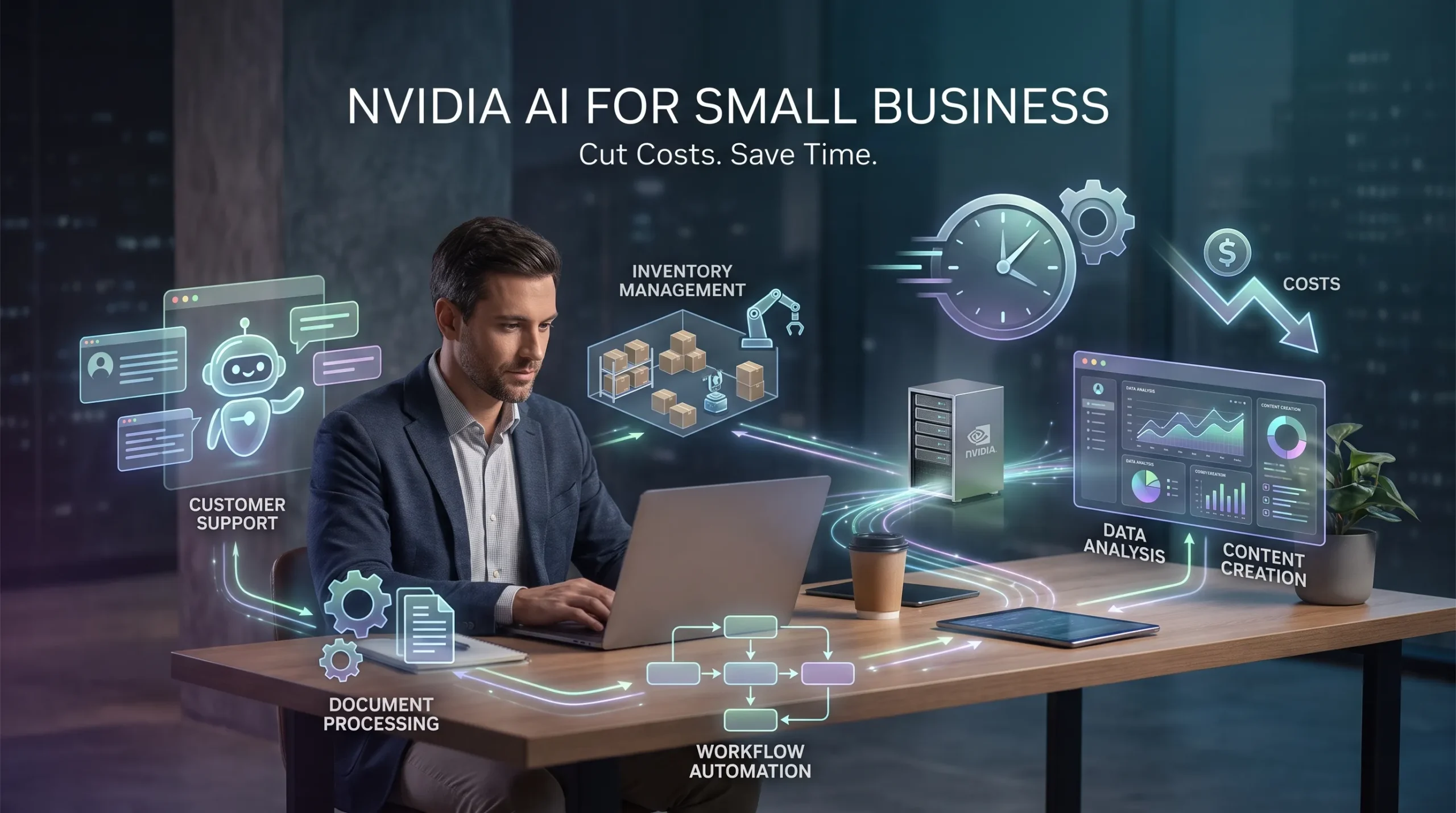
Small businesses lose hours each week to customer questions, invoice entry, content drafts, stock checks, and basic reporting. Nvidia AI tools for small businesses can automate parts of this work without requiring a large technical team.
Nvidia’s product range includes more than data-center GPUs. Small companies can use RTX laptops and workstations, Nvidia NIM microservices, Jetson edge devices, and Nvidia AI Enterprise software. Each option fits a different workload.
The largest savings usually come from shorter processing times, fewer errors, and less outsourced work. Buying the most expensive GPU rarely guarantees a return.
Nvidia AI tools for small businesses: Practical options
RTX GPUs bring local AI within reach
Nvidia GeForce RTX and professional RTX GPUs can run local language models, image tools, transcription systems, and data-processing apps. A marketing firm could draft campaign copy on a local workstation. An accounting office could process documents without sending every file to a third-party API.
Local processing may reduce recurring inference fees when usage is high and predictable. It can also help with privacy and offline access. The trade-offs include the purchase price, electricity, cooling, storage, software setup, and maintenance.
Laptop RTX systems suit mobile work and small models. Desktop systems often provide better cooling and upgrade options. Workstations cost more but may offer greater memory, reliability, and support. Larger models need more video memory, so check the model’s requirements before buying.
NIM and AI Enterprise support production deployments
Nvidia NIM documentation describes NIM as a set of production-ready inference microservices. Its validated containers, model options, and standard APIs can reduce the engineering time needed to deploy an AI assistant.
A developer could use NIM for an internal knowledge bot, product search, document summaries, or customer-service replies. NIM is mainly a deployment tool, so it suits businesses with technical support or an outside developer.
Nvidia AI Enterprise adds supported software, management features, security updates, and production guidance. It may be excessive for a small experiment, but its support can make sense when downtime, compliance, or long-term maintenance costs more than the software license.
Jetson runs AI at the business site
Nvidia Jetson devices run computer vision and sensor-based AI near cameras, machines, or other equipment. A retailer might monitor shelves. A small manufacturer could inspect products. A farm could track crops, animals, or equipment without sending every video stream to the cloud.
Edge processing lowers bandwidth use and can produce faster alerts. It also gives the business more control over sensitive video. The system still needs suitable cameras, good lighting, model updates, installation, and technical support.
How Nvidia AI tools for small businesses automate daily work

Customer support gets a faster first response
A local or cloud-based Nvidia model can answer common questions, search approved documents, draft replies, and route unusual cases to staff. Useful requests include order status, returns, appointment times, product details, and shipping rules.
Start by collecting support documents and removing outdated instructions. Select a model, build a retrieval system that searches approved content, test common questions, and set rules for escalation. The assistant should not invent refunds, policies, or delivery dates.
Track first-response time, resolution time, escalation rate, and customer satisfaction. These figures show whether the system saves labor without lowering service quality.
Document processing reduces office work
GPU-accelerated tools can read invoices, receipts, forms, contracts, emails, and purchase orders. They can perform optical character recognition, classify files, extract fields, and create short summaries.
Bookkeepers can use this workflow to prepare records. Insurance agencies can sort claims paperwork, while contractors can pull key terms from vendor agreements. Human review remains necessary for confidential records, unclear scans, financial data, and legal documents.
Measure minutes per document, extraction errors, backlog size, and outside administrative fees. Keep a clear retention policy and limit access to sensitive files.
Content tools turn blank pages into drafts
Nvidia-powered language and image tools can create product descriptions, email drafts, social posts, video transcripts, and campaign variations. Local models can give a business more control over private customer data and brand assets.
AI output still needs human review. Create reusable prompts, approved terms, content templates, and a short review checklist. Measure production time, revision rounds, publishing frequency, and contractor spending.
How Nvidia AI tools for small businesses cut operating costs

Compare local hardware, cloud GPUs, and APIs
Local hardware may cost less when workloads are frequent, stable, private, and large enough to keep the GPU busy. Cloud services often cost less during early testing, seasonal spikes, or occasional use. APIs can be practical when the business needs a large model without managing infrastructure.
Calculate the full cost before deciding. Include hardware depreciation, electricity, cooling, storage, software licenses, support, engineering time, backups, and staff training. Compare that total with API charges, hosted GPU bills, and current labor costs.
Vision and forecasting can reduce waste
Jetson-based vision systems may help detect product defects, inventory gaps, safety issues, or equipment problems. The Instacart Jetson case study reports Caper Cart deployments using Jetson Orin NX for sensor fusion, with the company reporting sales and latency results in its own retail operation. A small retailer should treat that as a reference point, not a promised saving.
Forecasting tools can help plan inventory, staffing, appointments, deliveries, and cash flow. Nvidia hardware can speed model training and inference, but accurate forecasts still require clean historical data. Begin with one product category, store, or recurring service.
Track stockouts, overstock, overtime, rush shipping, missed appointments, downtime, and inspection hours. Check false positives and false negatives before removing human checks.
Choose the right Nvidia setup and calculate payback
Start with the costliest repeatable process
Document one workflow from start to finish. Record labor time, contractor fees, rework, delays, error costs, and lost sales. Mark the decisions that must stay with an employee.
Choose a process that happens often, has clear inputs and outputs, and can be measured. A narrow pilot is safer than a company-wide rollout.
Match deployment to the workload
Use a local RTX system for moderate-volume, privacy-sensitive, or offline tasks. Choose cloud GPUs for changing demand and early experiments. Use NIM when a developer needs a packaged model service, and consider AI Enterprise when support and security controls justify the cost.
Jetson fits physical tasks that need on-site response. Before buying, verify compatible hardware, software support, model licenses, warranty terms, and power needs.
Use this basic calculation:
Monthly savings = labor savings + reduced outsourcing + fewer errors + avoided cloud costs – new operating costs
Include depreciation, electricity, monitoring, licenses, maintenance, and training. Test the smallest useful deployment and set a payback target before expanding.
Implement Nvidia AI safely

Protect data and keep people involved
Payment details, health records, employee files, contracts, and customer identities need strict controls. Use role-based access, encryption, audit logs, secure backups, and written rules for external services.
Local processing improves control but does not guarantee security. Require human approval for financial actions, legal documents, hiring decisions, customer disputes, safety alerts, and regulated data.
Set escalation rules for uncertain answers, missing records, or conflicting information. Record errors and use them to improve prompts, source documents, or workflow design.
Monitor results after launch
Track accuracy, response time, uptime, GPU use, cost per task, adoption, and failure rates. Review model and software updates for security patches, licensing changes, and compatibility issues.
Remove outdated documents and test difficult cases on a schedule. A system that saves time during its first month can lose value if no one maintains it.
Build a small pilot before expanding
Nvidia AI solutions can support customer service, document work, marketing, inspection, and forecasting. The best starting point is one repetitive task with a known cost and a clear success measure.
Document the current process, calculate its monthly cost, and test a limited RTX, cloud, NIM, or Jetson deployment. Compare the results with the baseline after several weeks. Scale only when the measured savings exceed new hardware, software, energy, and support costs.
FAQS
There is no single, universally recognized “30% rule in AI.” In small-business discussions, the phrase is sometimes used informally to suggest that AI could eventually handle roughly 30% of routine tasks, or that AI adoption might improve productivity or margins by around that magnitude, but this is not an official standard or regulation.
Earning $1,000 a day with AI is possible in principle but not typical; it usually requires an existing business, valuable skills, or significant scale. Realistic paths include using AI to expand a profitable service business (for example, content, design, or software), to run more effective marketing and sales, or to build and sell digital products or tools that serve many customers.
AI can help small businesses save time on repetitive work, improve customer response speed, and produce better-quality marketing and documentation. Common benefits include 24/7 inquiry handling, automated appointment booking, faster lead follow-up, and more consistent invoice reminders, which can reduce missed opportunities and improve cash flow.
There is no single best AI for all small businesses; the right choice depends on your tools, tasks, and budget. For general-purpose assistance across many tasks, ChatGPT is often the most versatile; for long-form writing, document review, and careful reasoning, Claude is frequently preferred; for teams that rely heavily on Google Workspace, Gemini can be the most convenient.
No AI is better than ChatGPT in every situation, but some are stronger for specific uses. Claude often outperforms ChatGPT on long, careful writing, detailed document analysis, and complex reasoning tasks. Gemini can be stronger for research grounded in current web information, multimodal work, and tight integration with Google apps.
There is no single best AI agent platform for all small businesses; the right choice depends on your main customer channel, workflow complexity, and team size. For many U.S. and U.K. small businesses, platforms that focus on 24/7 inquiry handling, appointment booking, lead follow-up, and invoice reminders tend to show the fastest return on investment.


One Comment on “Nvidia AI Tools for Small Businesses: Cut Costs & Save Time”
Comments are closed.