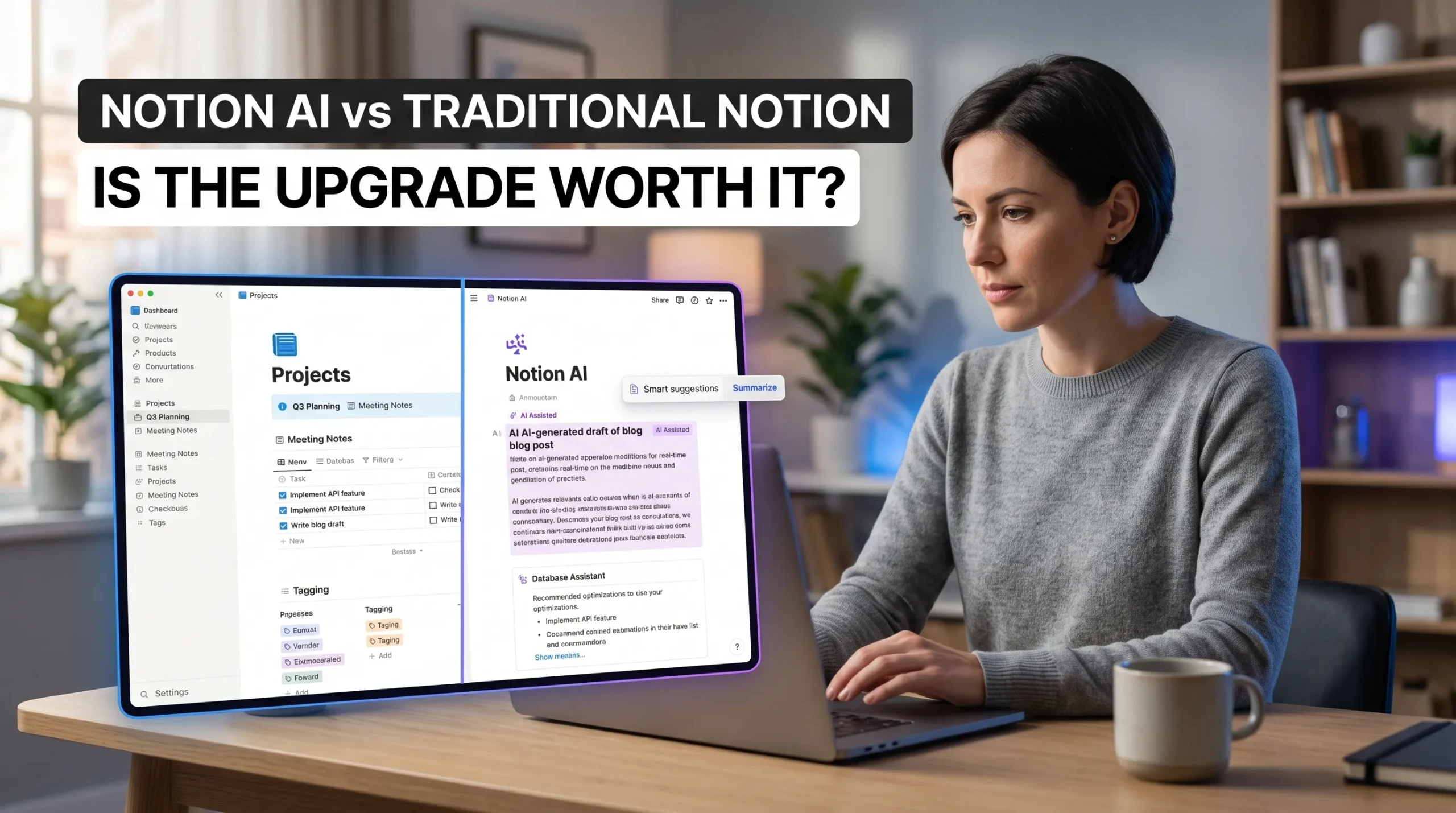
Notion AI vs traditional Notion is a choice between an organized workspace and that same workspace with AI assistance. Traditional Notion already gives you pages, databases, templates, and tools for working with others. The question is whether AI can save enough effort in your regular tasks to justify a higher plan cost.
Notion AI can help draft and revise text, summarize long pages, and find answers across workspace content and connected apps. In return, you take on a recurring cost, review the output, and still have the option to do the work by hand. The value depends on how often you use those features and which Notion plan fits your needs.
Notion’s plans and AI access can change. The current Notion pricing page lists full AI features with Business and Enterprise, while Free and Plus include limited AI trials. Check the latest plan details before comparing costs.
Also Read: Microsoft Planner vs Project: Choose the Right Tool for Your Team
Notion AI vs Traditional Notion: What Changes?

Traditional Notion already organizes your work
Pages, databases, templates, and task tools form the base of a Notion workspace. You can build a project tracker, shared meeting notes, or a company knowledge base without AI. These tools remain useful whether or not you add AI features.
Notion AI helps create and process information
Notion AI can draft or edit text, summarize pages, and answer questions using information from your workspace. Depending on plan access and setup, it can also search connected sources such as Slack or Google Drive. Notion’s AI feature guide lists current features and access details.
AI adds help, not a new workspace
AI works with the pages and information you already have; it doesn’t remove the need to keep them organized. You still need clear databases, useful page names, and up-to-date notes. And before sharing AI-generated text, check that it’s accurate and fits your intent.
Where Notion AI can save time in daily work

Turn rough notes into a first draft
If you’ve captured scattered ideas for a project update, ask AI to group them into sections or turn them into a clear draft. You can also ask it to change the tone or shorten a passage. Check the facts and edit the result so it sounds like you.
Summarize long pages and meeting notes
A summary can help you spot themes, decisions, and follow-up tasks in a long page. Notion AI can also transcribe and summarize meetings, subject to plan access and settings. For important decisions, compare the summary with the source notes so you don’t miss a detail.
Find answers across connected sources
Instead of searching several pages and apps yourself, you can ask a question about workspace information. For example, you might look for the latest launch date across project notes and a connected Slack workspace. Connected apps need setup, and availability can vary by plan, so confirm that the sources you rely on are included.
What traditional Notion does well without AI
Build projects and knowledge bases
Notion’s pages, databases, and templates can support task lists, project trackers, and reference libraries. A well-planned database with clear fields and views can make work easy to find without AI. For many everyday systems, the structure matters more than automated writing.
Keep control of wording and decisions
Writing manually gives you direct control over tone, detail, and judgment. That can matter for client messages, policy pages, or work that involves private or high-stakes information. AI can help with a draft, but its output still needs review.
Skip features you rarely use
If you mostly store notes, update simple task lists, or prefer to write on your own, AI may not add enough value. In that case, paying for a plan mainly to access AI can be poor value. Keep using the tools that solve your actual work problem.
Is Notion AI worth the cost for your workflow?

Frequent writing and summaries make a stronger case
AI is more likely to earn its place if you regularly write project updates, summarize long documents, or search across a large body of work. Repeated use matters more than a strong result in a one-off demo. Look for tasks where it helps you get to a useful first version with less effort.
A simple workspace may not need AI
If you mainly save notes and manage a few straightforward databases, traditional Notion may be enough. The same goes for people who enjoy writing manually or need close control over every sentence. Don’t upgrade unless the features address a real, repeated need.
Check plan costs, privacy, and limits
Notion’s pricing page currently lists Business at $20 per member per month, with full AI features, while Free and Plus offer limited AI trials. Plan costs and included features may change, and the Business price covers more than AI alone. Review the current pricing and AI access before deciding.
Also check usage allowances, connector requirements, and your workspace’s privacy settings. Notion says customer data isn’t used to train AI models by default; retention terms differ by plan and feature. Read Notion’s AI security practices if your work involves sensitive information.
Test Notion AI before committing
Pick recurring tasks to test
Choose two or three tasks you already do, such as drafting a weekly project update, summarizing meeting notes, or finding a decision in old pages. Use the same source material with and without AI where possible. That gives you a fair comparison based on your real work.
Track usefulness and editing time
Notice whether the AI result is clear, accurate, and easy to use. Record how much editing it needs and whether you reach for the feature again during normal work. A tool that looks impressive but sits unused won’t make a plan upgrade worthwhile.
Compare results with the current plan
Check the latest plan price and feature access, then weigh them against the help you saw in your own test. For a team, count the cost per member and consider who will use the AI features. Confirm any trial terms rather than assuming access will continue after the trial ends.
Choose the version that fits how you work
Traditional Notion remains capable for organizing projects, tracking tasks, and sharing information. Notion AI makes a stronger case when you often draft, summarize, or search through a large set of work materials. The upgrade is worthwhile only when that assistance solves frequent tasks and its output needs little enough editing.
Check the current plan details, test AI on real work, and review every result before relying on it. If it saves meaningful effort across tasks you do each week, consider upgrading. If not, keep the workspace you have.
FAQS
Answer: Notion is the main workspace for notes, documents, wikis, databases, project management, and collaboration. Notion AI is the intelligence layer inside that workspace, helping with writing, summaries, workspace search, meeting notes, research, and task automation.
In simple terms, Notion stores and organizes your information; Notion AI helps you find, understand, and use it faster.
Answer: Notion AI can be worth it if your team already keeps important documents, meeting notes, projects, and knowledge in Notion. Its biggest advantage is reducing the need to copy information into a separate AI tool.
It may not be worth the cost if you mainly want occasional writing help, because general-purpose AI assistants can provide similar drafting and summarizing features at a lower overall price.
Answer: In 2026, Notion AI is most valuable for teams that need workspace-wide search, AI meeting notes, document summaries, and agents that work with internal information. Full access is generally tied to Business or Enterprise plans, while Free and Plus users may receive only limited trial usage.
For a solo user, the upgrade is harder to justify unless Notion is already the central place where work is organized. For a team, the time saved searching and summarizing shared knowledge may make the cost worthwhile.
Answer: Notion Plus is useful for its workspace features, such as more file uploads, longer page history, and improved collaboration, but it may not be the best plan if you are upgrading mainly for AI. Current plan comparisons indicate that Free and Plus users receive limited AI access, while full Notion AI features are primarily available through Business or Enterprise.
Choose Plus for better Notion collaboration. Choose Business when you specifically need extensive AI features such as Notion Agent, AI Meeting Notes, and broader workspace or connected-app search.
Answer: Main limitations include:
AI quality depends on how complete, current, and well-organized your Notion workspace is.
It can summarize or generate incorrect information, so important outputs need review.
Full AI features may require a more expensive Business or Enterprise plan.
AI usage may involve credits or limits, especially for agents and higher-volume work.
It is less suitable than dedicated design, coding, analytics, or research tools for specialized tasks.
Privacy, permissions, and connected-app access must be configured carefully before using it with sensitive business information
Answer: Neither is universally better; they solve different problems.
Choose Notion to organize and manage information. Choose Canva to create visual content. Many marketing teams use both: Notion for briefs, calendars, and brand documentation, and Canva for the finished graphics.


