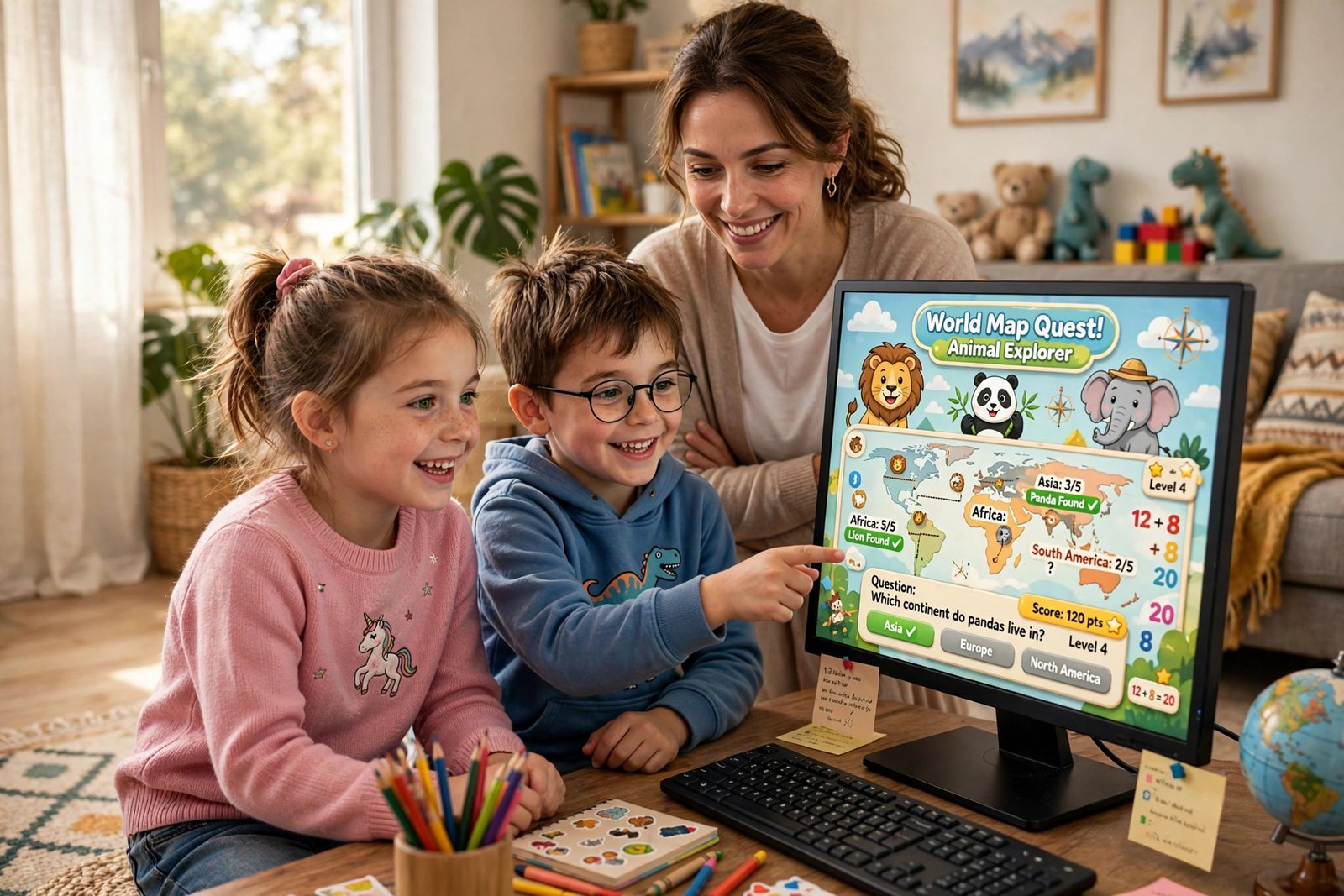
Hand a child a tablet and the worry starts: is this teaching them anything, or just keeping them quiet? It depends on where they land. The 12 free educational games websites for kids below are the places worth landing on. We opened every one to check what it teaches, what “free” actually means on it, and what parents should know first.
We organised these educational games by age first: a game that delights a 4-year-old bores a 10-year-old in a minute. Our number one pick is Sheppard Software, a long-running teacher favourite covering almost every subject with no account. But the right pick depends on your child’s age and goal, so start with the quick picks.
Quick Picks: The Best Free Educational Games Websites by Age
Short on time? These are the bookmarks to save — the best free educational games websites for kids, each covered in full below.
| Best for | Site | Why it wins |
|---|---|---|
| Ages 3–5 | PBS Kids | No ads, no accounts, nothing locked — the safest first bookmark |
| Ages 6–8 | Sheppard Software | Every school subject, hundreds of games, no sign-up |
| Ages 9–12 | Cool Math Games | Logic and strategy games older kids choose themselves |
| Maths practice | SplashLearn | Structured practice that adapts to your child |
| Learning to read | Starfall | Phonics taught step by step, at their own pace |
| Coding | Code.org | Real coding taught through games, completely free |
Best for Ages 3–5: Gentle First Games
At this age the rules are simple: big buttons, no reading required, nobody to talk to, and nothing a small finger can buy. These three pass all four tests — which is why they lead our list of free educational games websites for kids.
PBS Kids
PBS Kids is the easiest recommendation on this page. Every game is free — no premium tier, no in-app purchases, no locked levels — and there is no advertising beyond brief “brought to you by” sponsor messages. The games are built around shows children already know — Daniel Tiger, Wild Kratts, Sesame Street — and each one is designed with educators around a real learning goal: counting (Peg + Cat), letters (Super Why!), feelings (Daniel Tiger). Best for ages 2 to 8, and no account is needed: open pbskids.org and play.
Starfall
Starfall has taught early reading since 2002. Run by a nonprofit, it is calm by design: nothing is timed, nothing shouts, and children see, hear and tap each letter sound. Its core Learn-to-Read phonics programme is free — reason enough to bookmark it. A membership unlocks the full Pre-K to Grade 5 library, including more maths. Best for ages 3 to 7.
CBeebies and BBC Bitesize (BBC)
The BBC’s corner of the internet is the other ad-free option here. CBeebies is made for under-6s, with games built around Numberblocks and Alphablocks — counting, letter sounds, shapes and stories — funded by the UK licence fee, so there are no adverts and nothing to buy. When a child outgrows it, BBC Bitesize continues the same idea for school-age children. The one caveat for families outside the UK: spellings, money and curriculum order are British.

Best for Ages 6–8: The Primary School Workhorses
This is the age where games can reinforce real schoolwork — times tables, spelling, map skills — without feeling like homework. These are the free learning games for kids teachers reach for most.
Sheppard Software
If you save one site from this list, make it this one. Sheppard Software has hundreds of free games — no account, no downloads, nothing locked — organised by subject and level, preschool to middle school. Its geography games are the famous ones: children learn the US states, capitals and world countries by playing them on a map, across eight skill levels. But there is far more: maths from counting to fractions and money, grammar games, science topics like food chains and cells, animal articles, and paint-and-make activities. The trade-off is presentation: the site looks old-fashioned and carries adverts, so walk through it with your child the first time. Our complete Sheppard Software guide walks through its best sections.
ABCya
ABCya is the polished opposite of Sheppard: bright games sorted by grade from Pre-K to Grade 6+ and by subject — maths, language arts, science, social studies, typing. A rotating selection of games is free to play each week with adverts; a family membership unlocks all 300+ games and removes the ads. The free rotation is generous enough for everyday play. The site carries a KidSafe certification seal and is owned by IXL Learning. Best for ages 5 to 11 who like variety.
Turtle Diary
Turtle Diary offers 1,000+ games, quizzes and printable worksheets for kindergarten to Grade 5, organised tightly by grade and skill — so when school covered telling time or sight words this week, you can find practice on exactly that. Games are free with child-screened adverts; a premium membership (about $70 a year for up to five children) removes the ads and unlocks everything. One feature to know about: its multiplayer games work by invitation and class groups rather than open chat — see the safety section below.
Best for Ages 9–12: Games They Will Choose Themselves
Older children can smell “educational” from across the room. The trick is sites where the learning is the gameplay — strategy, curiosity and making things — rather than a quiz in costume.
Cool Math Games
Despite the name, arithmetic is the smallest part of it: a library of logic, strategy and puzzle games — chess and checkers, physics puzzlers, two-player games on one screen, and a financial-literacy section. Every game is free with adverts (an optional Premium membership removes them), and no account is needed. Best for ages 9 to 12 and up, and it has a rare quality: children ask to go on it. The learning is real but indirect — planning, patience and problem-solving rather than drills.
National Geographic Kids
For the animal-obsessed child aged 6 to 12, nothing else here comes close. It packs in games, quizzes, “Weird But True” facts and videos on animals, science, space and geography — all free, no account. It carries some advertising and promotes the magazine, so it sits a step below PBS and the BBC for purity. There is less structured practice here and more curiosity fuel: the child who plays here arrives at dinner with questions.
Highlights Kids
Highlights Kids is the gentle option, from the magazine many parents grew up with. The site offers free games, Hidden Pictures puzzles, jokes, crafts and science experiments — quieter and slower than arcade-style sites. One feature to know about: the “Share With Us” section invites children to submit jokes, drawings and stories for publication. Submissions are moderated, but it is the one place on this list where a child can send something in — see the safety checks below.
Best for Maths: Practice That Actually Builds Skill
Plenty of sites promise free math games for kids; fewer organise practice so one skill builds on the last. That structure is the difference.
SplashLearn
SplashLearn is the most structured option here: a proper curriculum from preschool to Grade 5, maths first and English alongside it, with games that adapt to your child’s level and a parent dashboard showing progress. Now the honest small print, because it differs from the rest of the list: for parents, the full programme is a subscription after a 7-day free trial, with a limited set of games free to try. But if your child’s teacher uses it in class — a great many do — it is completely free, including homework practice. Best for ages 4 to 10 who need steady, guided practice.
For maths games that cost nothing at all, use the maths sections of Sheppard Software and ABCya above — Sheppard’s fractions and place-value games are classroom staples.
Best for Reading and Word Games
Once a child can read, the goal shifts from decoding words to wanting to read. This is where these free learning games for kids earn their keep.
Funbrain
Funbrain has been running since 1997 and still earns its place. It offers games, videos and complete books to read free online, from kindergarten to Grade 8. The reading is the draw: children can read real books here, including Diary of a Wimpy Kid material, alongside word games like Word Turtle and Grammar Gorillas. The site is free with adverts and needs no account. The design looks its age, but the depth of real reading material beats every shinier rival.
Still learning to read rather than reading to learn? Start with Starfall’s phonics programme above — PBS Kids bridges the two stages.
Best for Coding and Logic
Coding is the one subject here where playing a game and learning the skill are the same action.
Code.org
Code.org — the nonprofit behind the Hour of Code, now also known as CodeAI as it expands into AI literacy — offers its entire K–12 computer science curriculum free. No adverts, no upsells, no locked levels. The entry point is its game-style activities: children programme a dance party, guide Minecraft characters and build their own Flappy-style game by snapping code blocks together, absorbing loops and conditions without noticing. Many activities need no account; a free parent or teacher account saves progress. Courses start at pre-reader level (age 5) and run to real programming for teenagers.
Pair it with Cool Math Games above for the other half of the same skills: logic, sequencing and sticking with a hard problem.
How We Checked Each Site for Safety
“Free” and “for kids” on a homepage prove nothing, so in November 2026 we opened all 12 of these free educational games websites for kids and checked the four things that matter.
- Advertising. Who shows ads: Sheppard Software, ABCya’s free tier, Turtle Diary, Funbrain, Cool Math Games and National Geographic Kids. Who does not: PBS Kids (sponsor messages only), the BBC, Starfall’s free programme and Code.org. Ads are screened to varying degrees and can lead off the site — the main thing to supervise on the ad-supported picks.
- Accounts and data. Most of the 12 need no account at all; where accounts exist (SplashLearn, Code.org), a parent or teacher creates them. Never let a child sign up with their real full name or own email address.
- Chat and other people. None of the 12 has open chat with strangers — a hard requirement for this list. Turtle Diary’s multiplayer is invitation- and class-based, and Highlights Kids’ submissions are moderated before anything appears.
- Ways to spend money. ABCya, Starfall, Turtle Diary and Cool Math Games all sell memberships, so your child will meet “ask a grown-up” screens. Purchases sit behind adult payment details — but expect to be asked.
Before the first session on any new site, spend five minutes on it yourself: play one game, look for chat and buy buttons, then save a bookmark. Bookmarks matter: a child who types a site’s name into Google can land on a copycat page, while a bookmark always goes to the real, safe educational websites for kids you have already checked.

How to Choose the Right Site by Age and Subject
Start with the age band, not the subject. Every site labels content by US grade (kindergarten is age 5–6, Grade 5 is 10–11), and a game pitched two years too young teaches a child to close the tab, not the topic. Then pick one skill goal — times tables, sight words, map knowledge — and stick to the one or two free educational games websites for kids that serve it, rather than grazing across all 12.
If you want a single site that covers nearly every age and subject, start with Sheppard Software and branch out when your child outgrows a section. And when an 11- or 12-year-old starts outgrowing game sites, the natural next step is our round-up of the best free AI tools for students — homework tools that pick up where games leave off.
Frequently Asked Questions
Are these free educational games websites for kids really free?
Eleven of the twelve are free indefinitely — most are funded by advertising or run by nonprofits (PBS, the BBC, Starfall, Code.org). SplashLearn is the exception: free for classrooms and as a trial, then a subscription at home. Where a site sells a membership — ABCya, Starfall, Turtle Diary, Cool Math Games — the free version still works; membership removes ads or unlocks more games.
Which site is best for a 4-year-old?
PBS Kids or CBeebies. Both have no adverts to misclick, need no reading, and are built for this age. Add Starfall once your child shows interest in letters and their sounds.
Do any of these sites let children chat with strangers?
No — open chat was an automatic disqualification. The nearest features are Turtle Diary’s multiplayer games, which run on invitations and class groups, and Highlights Kids’ submissions, moderated by staff before anything appears.
What about Khan Academy Kids?
It is excellent — free and ad-free for ages 2 to 8 — but it is an app, not a website, so it did not fit a list of browser websites. If your child mainly uses a tablet, put it at the top of your app list.
Can teachers use these sites in the classroom?
Yes. Sheppard Software and ABCya are used in classrooms everywhere, SplashLearn is free for teachers, Turtle Diary has class accounts and assignments, and Code.org was built for schools.
How much time should kids spend on educational games?
For ages 2 to 5, the American Academy of Pediatrics suggests an hour a day of high-quality screen content, ideally played together. For older children, it recommends consistent family limits rather than one magic number. Educational games sit at the better end of screen time — but they are still screen time, so your usual limits should still apply.


One Comment on “Best Free Educational Games Websites for Kids in 2026 (12 Safe Picks)”
Comments are closed.