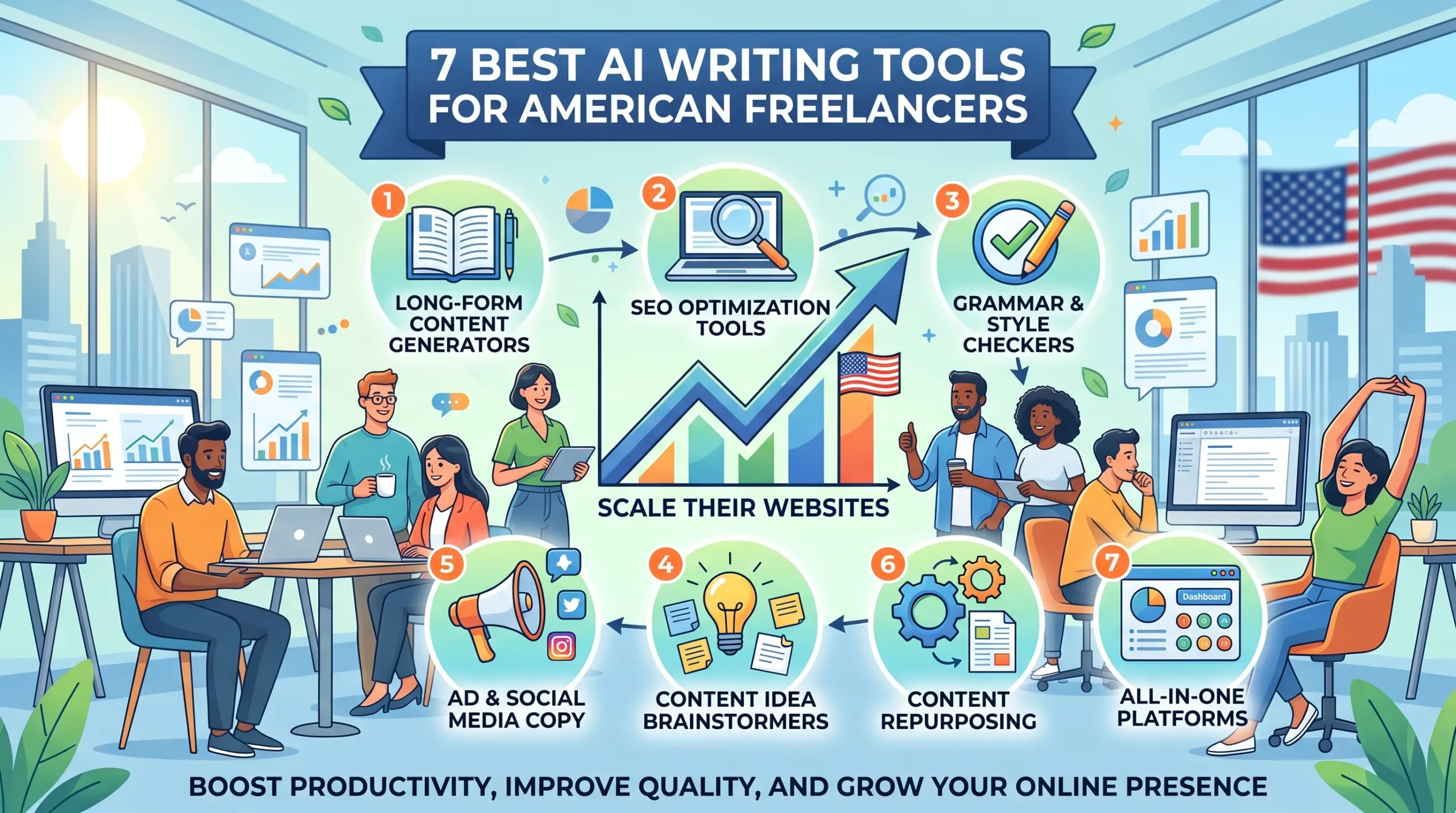
If you freelance in the United States, your website is your hardest-working salesperson — and the one you have the least time to feed. Between client delivery, invoicing, quarterly taxes and sales calls, service pages go stale and the blog stops. That is exactly the gap the best AI writing tools for American freelancers are built to close. Used well, they draft, rewrite and repurpose copy in hours, not days, so your site keeps winning work while you do billable work. This guide compares four proven options — Jasper, Copy.ai, ChatGPT Plus and Writer — on price, strengths, limits and fit, so you can pick one and start this week.
What Freelancers Actually Need From an AI Writing Tool
The best AI writing tools for American freelancers are not the ones with the longest feature lists. It is the one that saves billable hours on your real jobs — service pages, proposals, case studies and blog posts — while keeping your voice, your facts and your prices accurate enough that clients trust what they read.
The five checks that matter most
- Voice control: Can it learn how you sound from past pages, emails or proposals, so drafts do not read like everyone else’s?
- Your main format: Long service pages and articles, short landing-page copy, or a mix? Tools specialise, and the wrong specialism wastes money.
- True monthly cost: Price per seat, billing period, seat minimums and what is locked behind a higher tier.
Remember: no tool publishes safely without you. AI drafts confidently, even when it is wrong about a date, a price or a result. Your name is on the website, so your review is the product — the tool just gets you to a reviewable draft faster.
Jasper: Best for Polished, On-Brand Service Pages
Jasper is the best fit here if marketing copy is the job. It is built for on-brand marketing content, with stored Brand Voices, audience profiles and product knowledge governing every draft. For a freelancer whose service pages and campaigns must sound consistent week after week, that structure is its main advantage over a general chatbot.
Jasper now positions itself as an AI platform for marketing teams, with a Canvas workspace and more than 100 marketing agents. As a solo user, you will mainly use the parts that keep a one-person brand sounding like one person.
What Jasper does well for a one-person business
Brand Voice is the headline feature. Pro gives you two Brand Voices, five Knowledge assets and three Audiences. Store one voice for your own site and one for a retainer client, upload your services and past work as Knowledge, and define your audience once instead of re-explaining it in every prompt.
That pays off most on the pages that make you money:
- Service pages: Turn a short brief — who it is for, the problem, your process, proof and price guidance — into a structured page you then edit for accuracy.
- Repurposing: Turn one blog post into an email and social posts without starting from a blank page.
Limits and current pricing
Jasper is also the most expensive starting point in this comparison, and it is clearly aimed above the casual user. On Jasper’s official pricing page, Pro costs $69 per seat per month billed monthly, or $59 per seat per month billed annually, for one seat. Business is custom-priced. There is no permanent free plan, so use any trial on real pages, not test prompts.
The other limit is scope: Jasper is excellent for marketing, less useful for general tasks like analysing a spreadsheet or summarising research. If you publish only once a month, the cost is hard to justify. If you publish weekly and your site drives enquiries, the maths changes.
Best for: Established freelancers and consultants whose website and campaigns directly win higher-value clients, and who will use brand controls every week.
Copy.ai: Best for Fast Landing Pages and Short Copy
Copy.ai is best for speed on short, sales-focused copy: landing pages, ad variants, email subject lines and social posts. Its chat interface lets non-technical freelancers generate and test several versions of the same message quickly, making it strong for offers and launches rather than long articles.

Copy.ai now describes itself as an AI platform for go-to-market teams, and its pricing reflects that shift toward sales and marketing operations, not just solo writing. That matters before you buy.
Where Copy.ai earns its place
Iteration is the strength. A designer launching a new package can generate five headline pairs, three calls to action and a follow-up email sequence in one sitting. Even if you keep only the best third, you have beaten the blank page — where most solo marketers get stuck.
Two features from the original tool remain genuinely useful:
- Infobase: Store reusable facts about your business — services, audience, proof points, tone notes — so you stop pasting the same background into every request.
- Workflows: Chain steps for repeat jobs, such as turning raw client feedback into a testimonial draft.
Limits and current pricing
Be careful here, because older reviews of Copy.ai are out of date. The generous free tier and low Starter pricing described in many round-ups no longer match the current offer. On Copy.ai’s current pricing, the entry point for writing is its Chat plan at $29 per month billed monthly, or $24 per month billed annually, covering five seats with unlimited words and chat projects across models from OpenAI, Anthropic and Google. Its automated workflow plans sit far higher, starting around $1,000 per month, and are built for sales and marketing teams — not a realistic freelancer purchase.
For a solo freelancer, then, the honest assessment is this: the Chat plan can still be good value if short-form marketing copy is your bottleneck, but do not buy Copy.ai expecting the old free-plan experience, and do not buy a workflow tier to write blog posts. Also note that Copy.ai is optimised for short copy. For a 2,000-word, search-focused article, Jasper or ChatGPT Plus will usually give you a better starting structure.
Best for: Solopreneurs who launch offers often and need many short copy variants fast — landing pages, ads, emails and social posts.
ChatGPT Plus: Best All-Rounder and Best Value
ChatGPT Plus is the best starting point for most freelancers. At $20 per month it is the cheapest paid option here and the most flexible: it drafts articles, rewrites service pages, analyses data, browses the web and lets you build Custom GPTs for repeat jobs.
That is about breadth per dollar. A freelancer’s week is rarely just writing: it is outlining, tightening a proposal, summarising call notes, checking a competitor and drafting follow-ups. ChatGPT Plus helps with all of it in one subscription.
How freelancers actually use it to scale a website
Custom GPTs are the scaling feature. Build one assistant for your blog — with your instructions, audience, linking rules and best posts — and another for proposals, with your services and pricing. Each starts every session knowing context you would otherwise retype.
A practical weekly pattern looks like this:
- Check what is currently ranking and what has changed in your niche.
- Generate an outline based on search intent, then argue with it — cut weak sections, add your own experience.
- Draft section by section, not in one giant prompt, so you stay in control of claims and examples.
- Upload analytics data and ask what to update first.
- Repurpose the finished piece into an email and two social posts before you close the tab.
See also our guide to how generative AI is transforming development workflows.
Limits and current pricing
OpenAI lists ChatGPT Plus at $20 per month on its official pricing page, with a free tier also available if you want to test the experience first. Plus raises usage limits and unlocks the fuller feature set, including Custom GPTs, file analysis and browsing.
The limits are real. ChatGPT has no built-in brand governance, so tone drifts unless you supply examples each time — exactly what Jasper and Writer automate. It has no dedicated SEO workflow either, so intent checks remain your job.
Best for: Almost every freelancer starting out with AI, and anyone whose work mixes writing with research, analysis and admin.
Writer: Best for Consistency, Style and Client-Facing Polish
Writer is best for freelancers whose reputation depends on precision: consistent terminology, clean style and claims that hold up. Its styleguide, terminology controls and personality profiles check copy as you write. It suits consultants and B2B writers where sloppy copy costs trust.

Writer — styled WRITER — has also moved upmarket into enterprise agentic AI, with Playbooks and a Knowledge Graph. For a solo freelancer, ignore most of that framing and focus on its original strength: governance of words.
What Writer does that the others do not
- Styleguide enforcement: Set rules for grammar, punctuation, capitalisation, preferred terms and banned phrases, and get flagged in real time when copy breaks them — on your site, in a proposal or in an email.
- Personality and voice profiles: Define how formal, direct or warm your brand should sound, and check drafts against it instead of relying on memory.
- Works where you write: Extensions bring checks into Google Docs, Word and Figma, so polish happens during writing.
Picture a grant writer, technical writer or healthcare consultant. One inconsistent term or overstated claim can undermine a proposal that took days to build. Writer is the safety net for that kind of work.
Limits and current pricing
Writer’s official plans page lists two tiers: Starter, for up to five users with a 14-day free trial and no credit card required, and custom-priced Enterprise. Writer does not display the Starter dollar price prominently on that page; pricing provided by Writer to review platforms lists Starter at $39 per user per month billed monthly, or $29 per user per month billed annually — confirm the figure at checkout before you commit, as it has changed in the past.
The bigger limit is fit. Writer is the least “write my blog post for me” tool here, and a freelancer who mainly wants fast drafts will get more value from ChatGPT Plus or Jasper. Buy Writer for control and polish, not drafting speed.
Best for: Detail-driven freelancers and small studios who need every client-facing word consistent, compliant and on-brand.
Side-by-Side Comparison: Price, Strengths and Limits
For a US freelancer, the quick verdict is: start with ChatGPT Plus at $20 per month, add Jasper if on-brand marketing copy is your bottleneck, use Copy.ai Chat for short-form launches, and choose Writer when consistency matters more than speed. The table puts entry prices and trade-offs in one place.
| Tool | Entry price (USD) | Strongest at | Main limit | Best for |
|---|---|---|---|---|
| Jasper | Pro $69/month, or $59/month billed annually, 1 seat | On-brand marketing copy, Brand Voices, campaigns | Most expensive start; marketing-only focus | Established freelancers selling through their site |
| Copy.ai | Chat $29/month, or $24/month billed annually, 5 seats | Fast short copy and landing-page variants | Workflow tiers are enterprise-priced; weaker for long articles | Solopreneurs launching offers often |
| ChatGPT Plus | $20/month | Flexibility: drafting, research, data analysis, Custom GPTs | No built-in brand governance or SEO workflow | Most freelancers, especially as a first tool |
| Writer | Starter $39/user/month, or $29/user/month billed annually* | Style, terminology and brand consistency checks | Least focused on fast first drafts; enterprise direction | Precision and client-facing polish |
*Writer’s Starter price is listed by Writer on review platforms; its own plans page shows the plan and trial without a prominent dollar figure, so verify at checkout. All other prices above were checked against each vendor’s official pricing page in November 2026. Prices change — always confirm before an annual commitment.
Two buying rules: do not pay annually until a tool has survived a month of real work — a year of the wrong tool costs more than the 15–25% annual saving. And count the stack, not the tool: ChatGPT Plus plus Writer Starter is about $49–$59 per month combined and covers drafting plus polish.
Protect the accounts behind these tools — they hold your brand assets and drafts. Our guide to setting up passkeys on your accounts is a quick upgrade, and comparing 1Password vs Bitwarden helps if you still reuse passwords.
How to Build a Simple Weekly Workflow That Scales Your Site
The workflow that scales a freelance website is boring on purpose: one research block, one drafting block and one editing block each week, using the same prompts and checks every time. Pick one pillar topic, produce one strong page or post, repurpose it into email and social content, and repeat. Consistency beats occasional AI content dumps every time.
A three-block week you can copy
- Research (30 minutes): Check search results, note the questions buyers ask, and list facts you must verify yourself.
- Drafting (60–90 minutes): Outline first, then draft in sections, feeding the tool your voice examples, audience and proof points.
- Editing (45 minutes): Non-negotiable. Verify every claim, add one real example only you could tell, cut filler, and read the page aloud. If a sentence could appear on any competitor’s site, rewrite or delete it.
Then close the loop monthly: export your analytics, spot pages with traffic but weak enquiries, and refresh those before writing anything new. Updating a page that already ranks is usually the fastest win for a solo site.
As AI content floods search results, readers are getting better at spotting unedited output. Our round-up of the best AI detectors for teachers explains how detection works — a useful reminder that the goal is not to hide AI use, but to publish work that is accurate, specific and clearly yours.
Common Mistakes That Make AI Copy Hurt Your Website
The most common mistake is publishing a first draft. AI copy hurts your website when it is generic, unverified or identical to thousands of other AI pages: thin descriptions, invented statistics, wrong prices and promises you cannot keep. Each quietly costs enquiries.
- Invented proof: Never let a tool create testimonials, client names, percentages or case-study results. If it did not happen, it does not go on your site — this is a legal and reputational risk, not a style choice.
- One-prompt publishing: “Write my services page” produces the average of the internet. Brief properly: audience, offer, process, proof, objections and call to action.
- Voice drift: Publishing three tools’ outputs side by side makes your site sound like three different businesses. Settle on one primary drafting tool and one editing standard.
- Keyword stuffing: Repeating a phrase in every heading reads badly and helps nothing. Write for the buyer’s question instead.
- Letting subscriptions pile up: Four tools at once is a common freelancer trap. Start with one, master it for a month, and only add a second when you can name the exact gap it fills.
Conclusion: Which Tool Should You Start With?
There is no single winner — only a right first step for your stage. The best AI writing tools for American freelancers all save time, but they save different kinds of time.
- Starting out, or budget-first: ChatGPT Plus at $20/month. Learn prompting, build two Custom GPTs, and run the three-block weekly workflow for a month.
- Your site is your sales engine: Jasper Pro, once you are publishing weekly and brand consistency across pages and campaigns is the bottleneck.
- You launch offers constantly: Copy.ai Chat, for fast landing-page and email variants — and skip its enterprise workflow tiers.
- Precision is your product: Writer Starter, layered on top of your drafting tool, to keep every client-facing word consistent and defensible.
Your next step: pick one tool today and spend your first session on your most-visited service page. Draft it, edit it hard, publish it, and watch enquiries over the next month. That experiment will teach you more than another week of comparing features.
Frequently Asked Questions
What is the best AI writing tool for a freelancer on a tight budget?
ChatGPT Plus, at $20 per month, gives the widest range of help — drafting, research, file analysis and Custom GPTs — for the lowest price in this comparison. Start there, and add a specialist tool only for a named job.
Can I publish AI-written website copy without editing it?
No. AI drafts can contain wrong facts, generic phrasing and claims you never made. Always verify prices, dates and results, add your own examples, and adjust the tone before publishing. Treat the output as a fast first draft, never as finished copy.
Is Jasper worth $59–$69 per month for a solo freelancer?
Only if you publish marketing content every week and your website directly wins clients. Its Brand Voices, Knowledge assets and campaign tools save real time at that volume. If you post once a month, ChatGPT Plus will cover your needs for far less.
Does Copy.ai still have a free plan?
Older reviews describe a free tier with 2,000 words per month, but Copy.ai’s current pricing leads with its paid Chat plan at $29 per month, or $24 per month billed annually. Check the live pricing page before relying on any free-plan details from older round-ups.
Will using AI writing tools hurt my Google rankings?
Google rewards helpful, accurate, people-first content regardless of how a draft started. Rankings suffer when sites publish thin, generic or unverified AI output at scale. If you research properly, edit thoroughly and add genuine experience, AI assistance is a workflow advantage, not a penalty.


